Embroidery 5-47
1 —
2 —
3 —
4 —
5 —
6 —
7 —
8 —
?
!
9 —
CONTENTS
Index
132
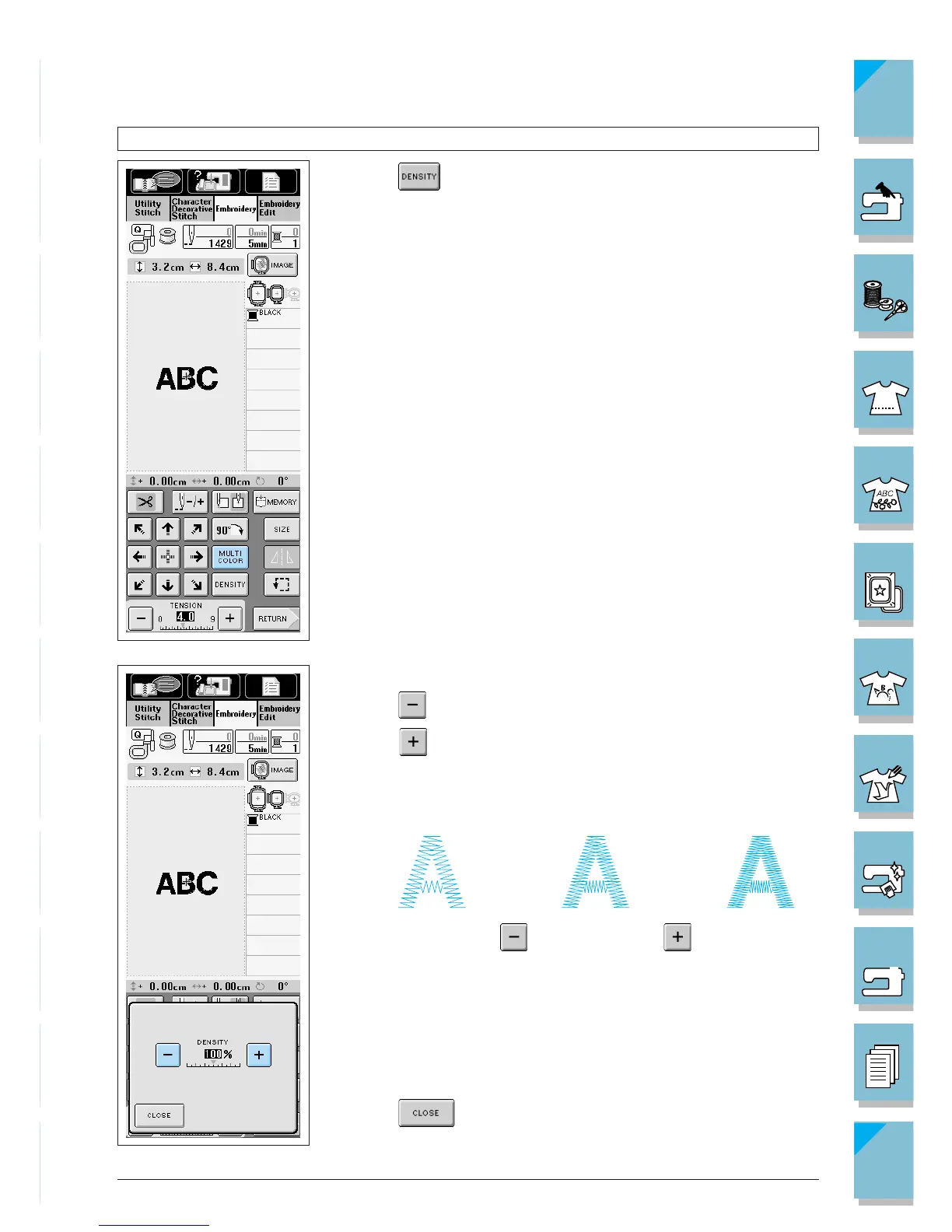
Changing the Density of a Pattern (Character and Border Patterns Only)
1. Press .
2. The screen at left is displayed.
Press to make the pattern less dense.
Press to make the pattern more dense. The pattern density
changes each time you press a button.
1 Normal
2 Fine (stitches closer together). Stitch count is a larger number.
3 Coarse (stitches farther apart). Stitch count is a smaller number.
3. Press to return to the pattern selection screen.














 To Next Page