6-16 Embroidery Edit Functions
1 —
2 —
3 —
4 —
5 —
6 —
7 —
8 —
?
!
9 —
CONTENTS
Index
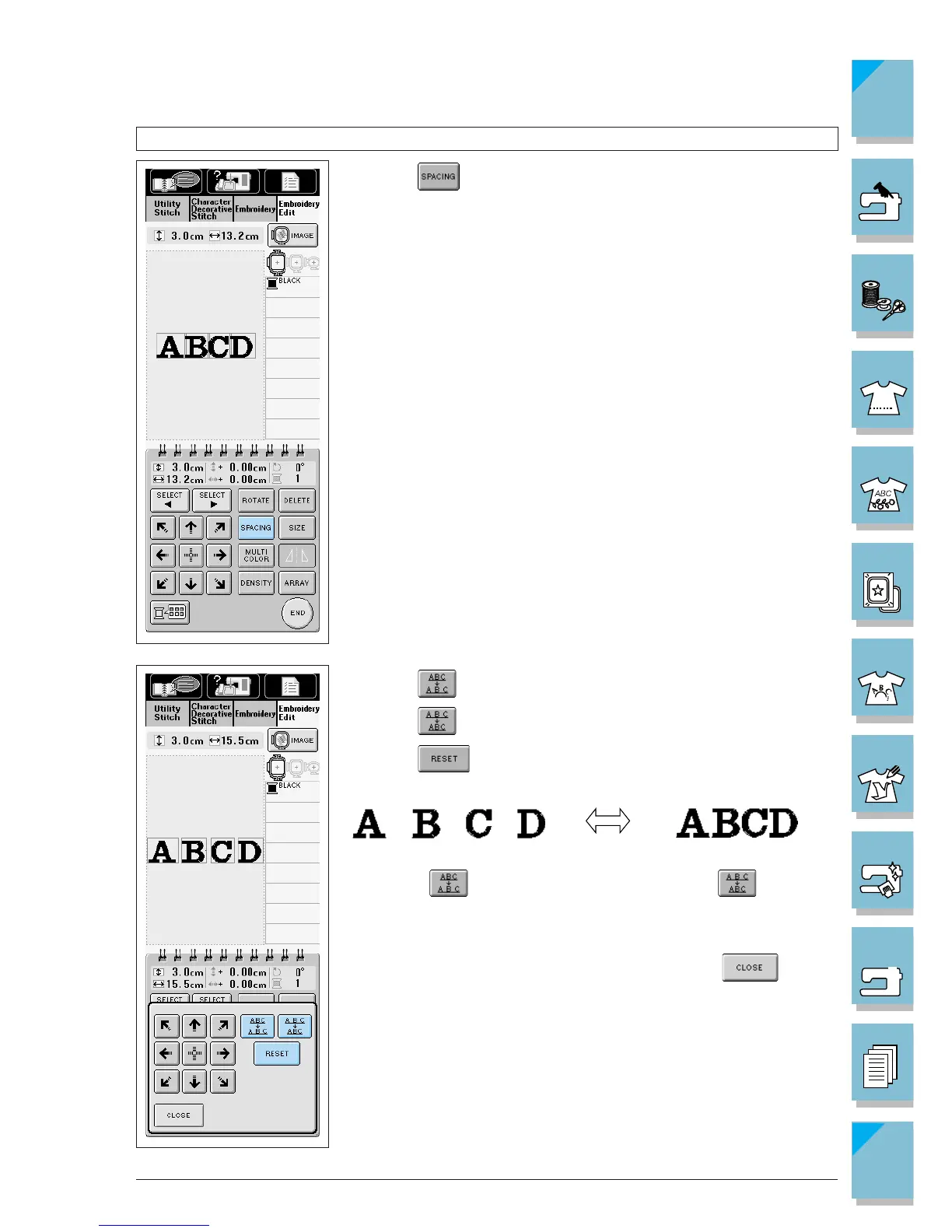
Changing Character Spacing
1. Press .
2. Press to widen the character spacing.
Press to compact the character spacing.
Press to return the pattern to its original appearance.
3. When finished changing the appearance, press .














 To Next Page