Sewing Character/Decorative Stitches 4-11
1 —
2 —
3 —
4 —
5 —
6 —
7 —
8 —
?
!
9 —
CONTENTS
Index
Making Stitch Pattern Adjustments
Your stitch pattern may sometimes turn out poorly, depending on the type or thickness of fabric,
the stabilizer material used, sewing speed, etc. If your sewing does not turn out well, sew trial
stitches using the same conditions as the real sewing, and adjust the stitch pattern as explained
below. If the pattern does not turn out well even after making adjustments based on the
pattern, make adjustments for each pattern individually.
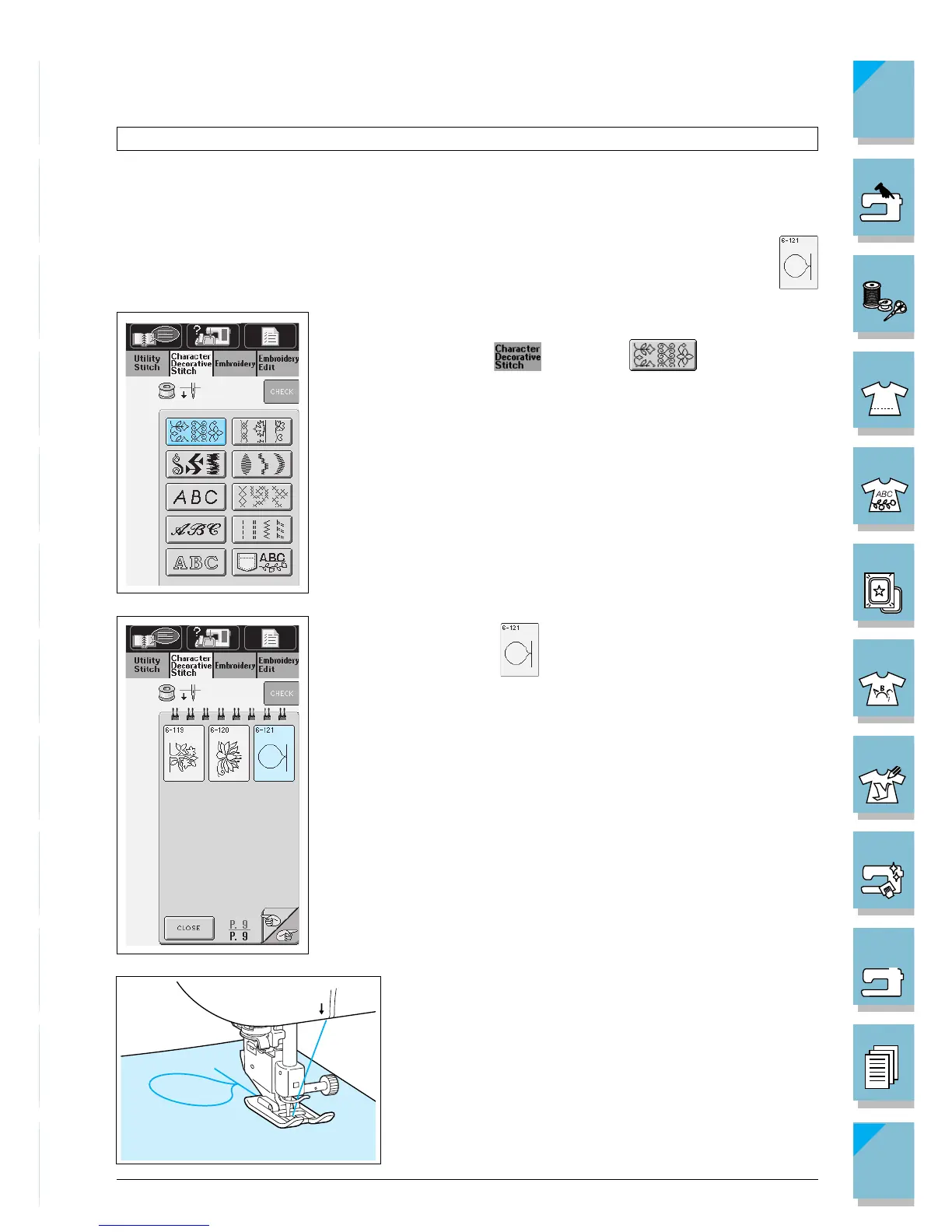
1. Select a stitch pattern to adjust.
1 Press , then press .
2 Select on P.9 of this stitch pattern menu.
6
5
2. Attach monogramming foot “N” and sew the pattern.














 To Next Page