Sewing Utility Stitches 3-9
1 —
2 —
3 —
4 —
5 —
6 —
7 —
8 —
?
!
9 —
CONTENTS
Index
1
2
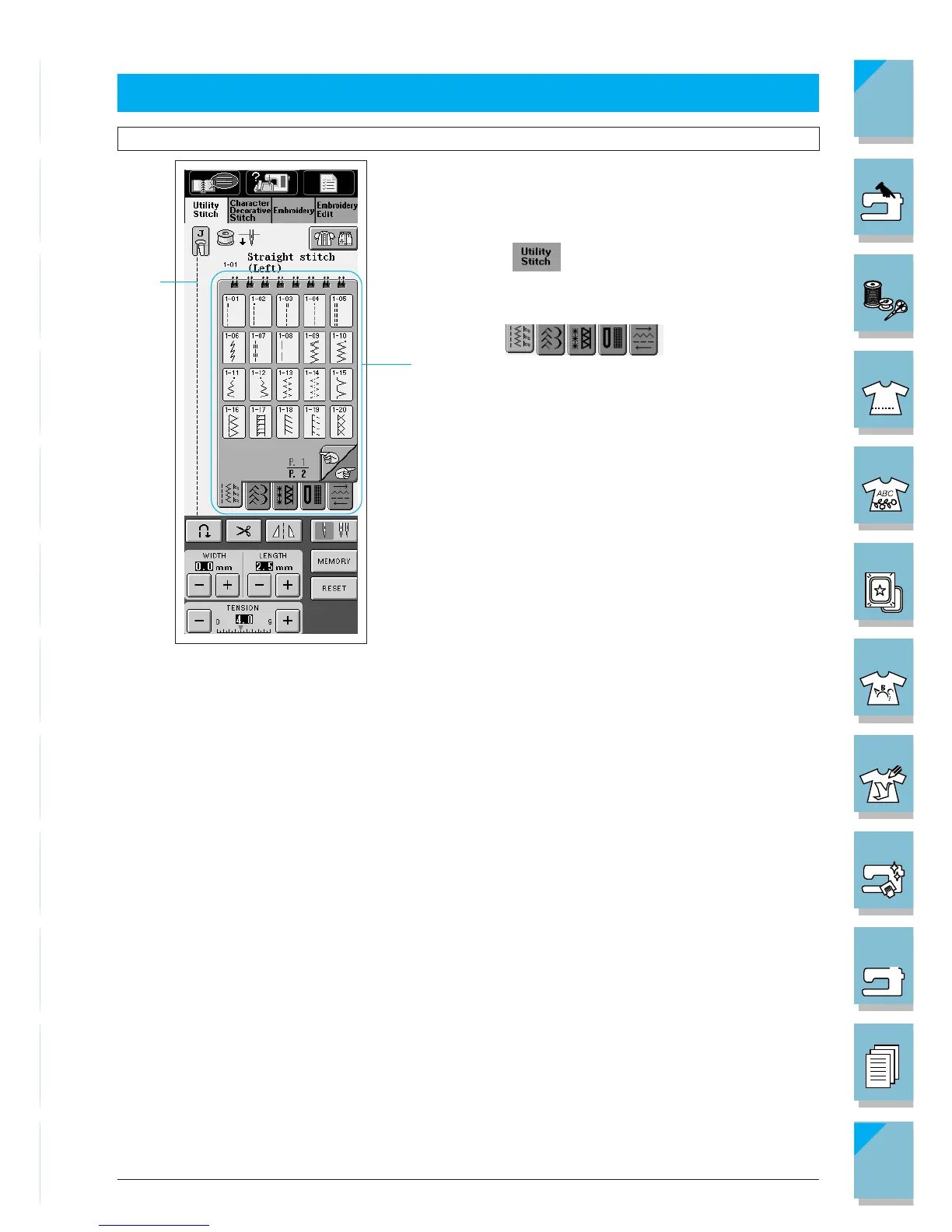
SELECTING UTILITY STITCHES
1. Turn the main power switch to ON. The screen
shown at left is displayed. The often-used “1-01
Straight (left)” stitch pattern is automatically se-
lected.
* Press to view this screen if another screen
displays.
2. Use to find the stitch pat-
tern you want.
1 Preview of the selected stitch
2 Stitch selection screen
3. Touch the key of the stitch pattern you want to
sew to select it.
Selecting a Stitch Pattern














 To Next Page