4-18 Sewing Character/Decorative Stitches
1 —
2 —
3 —
4 —
5 —
6 —
7 —
8 —
?
!
9 —
CONTENTS
Index
COMBINING STITCH PATTERNS
You can combine many varieties of stitch patterns, such as character stitches, cross stitches, satin
stitches, etc. You can also combine stitch patterns of different sizes, mirror image stitch patterns,
and others.
Before Combining Stitch Patterns
Single stitch sewing is automatically selected for sewing combined patterns. If you want to sew the
pattern continuously, press after finishing the stitch pattern combination.
When changing sizes, creating mirror images, or making other adjustments to a combined stitch
pattern, be sure to edit the selected stitch pattern before selecting the next one. You can not edit a
stitch pattern once the next stitch pattern is selected.
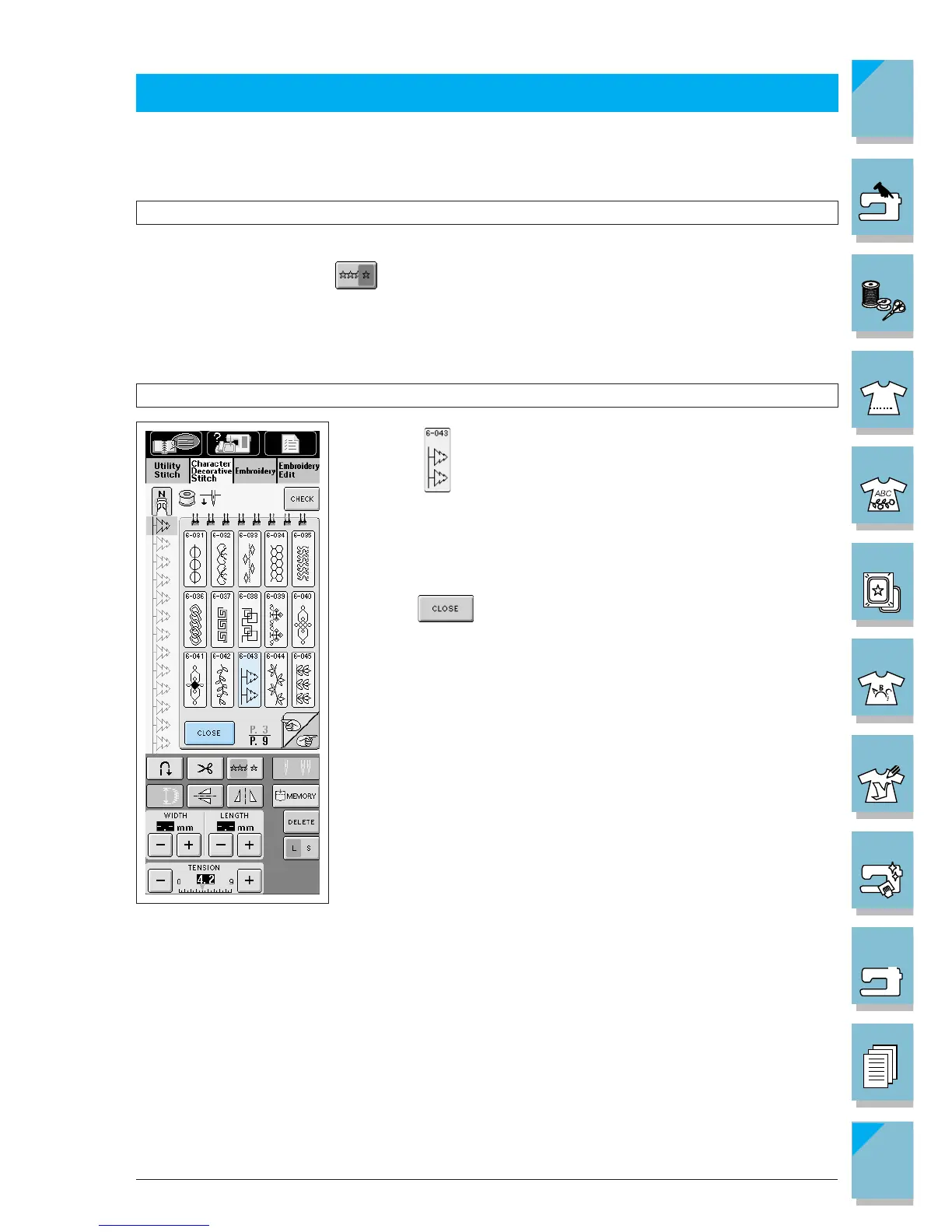
Combining Decorative Stitch and Character Stitch Patterns
1. Select .
The screen at left will display.
2. Press after choosing the stitch pattern.














 To Next Page