Sewing Character/Decorative Stitches 4-19
1 —
2 —
3 —
4 —
5 —
6 —
7 —
8 —
?
!
9 —
CONTENTS
Index
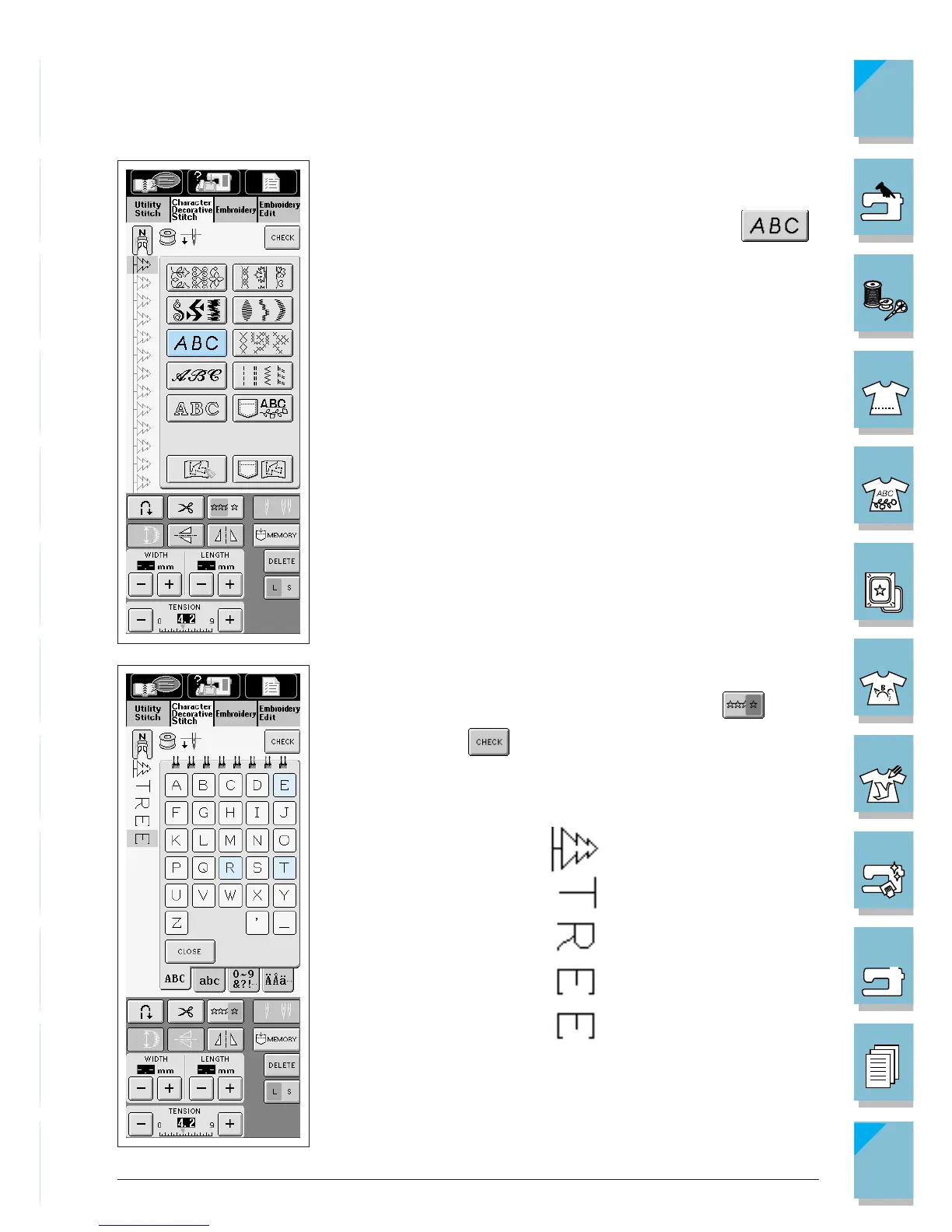
3. Return to the stitch selection screen.
* The screen displays the presser foot for the selected stitch.
4. Select the character stitch design (for example, press ).
5. Select the characters (example; TREE).
* If you want to sew the pattern continuously, press .
* You can press to view the completed pattern (see page
4-26).














 To Next Page