Embroidery 5-57
1 —
2 —
3 —
4 —
5 —
6 —
7 —
8 —
?
!
9 —
CONTENTS
Index
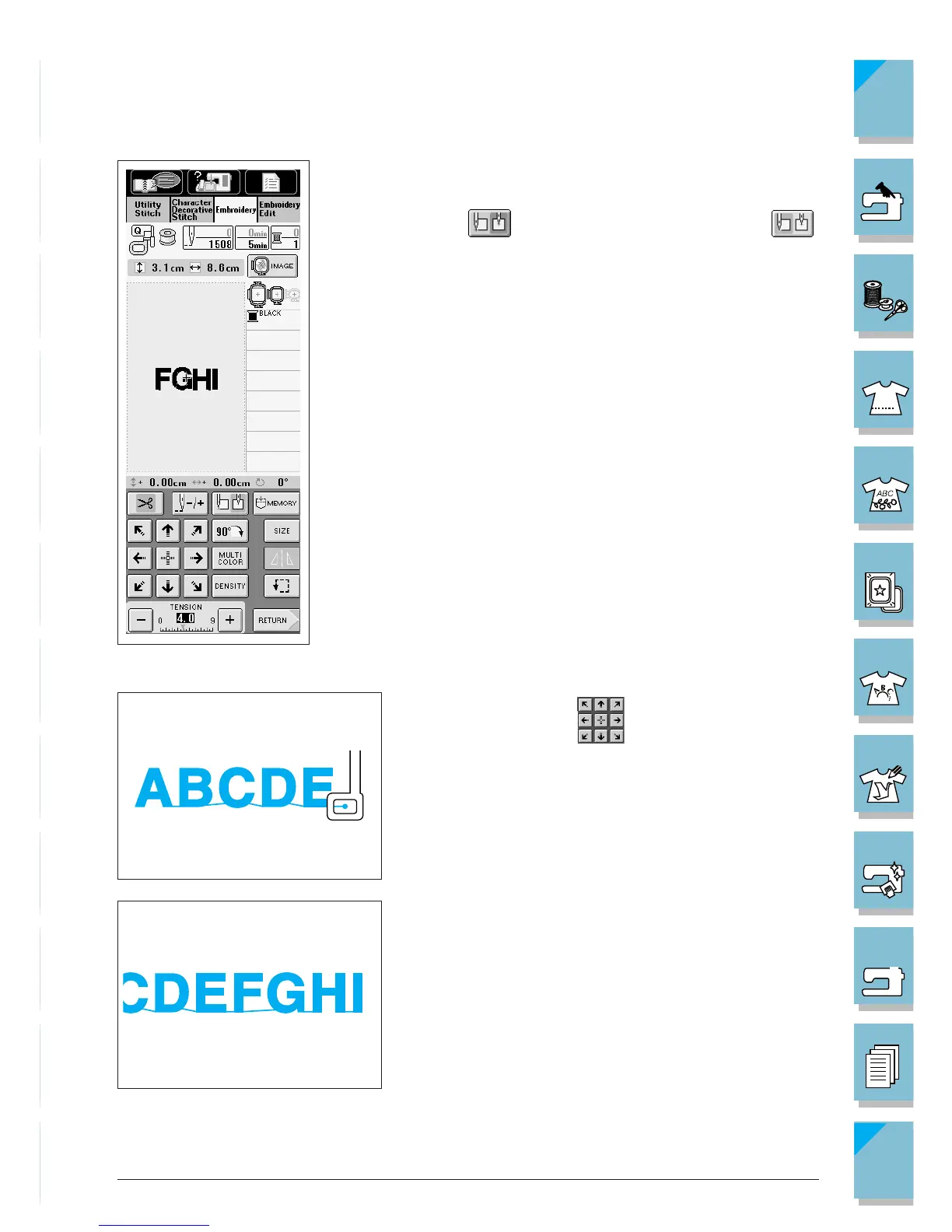
6. Enter the letters “FGHI.”
7. Press to move the needle start position to .
The needle start position moves to the bottom left cor-
ner of the pattern.
8. Use the arrow keys to move the needle to the
position where the previous pattern stopped.
9. Press the “Start/Stop” button to embroider the remain-
ing letters.














 To Next Page