Setting Up 1-17
1 —
2 —
3 —
4 —
5 —
6 —
7 —
8 —
?
!
9 —
CONTENTS
Index
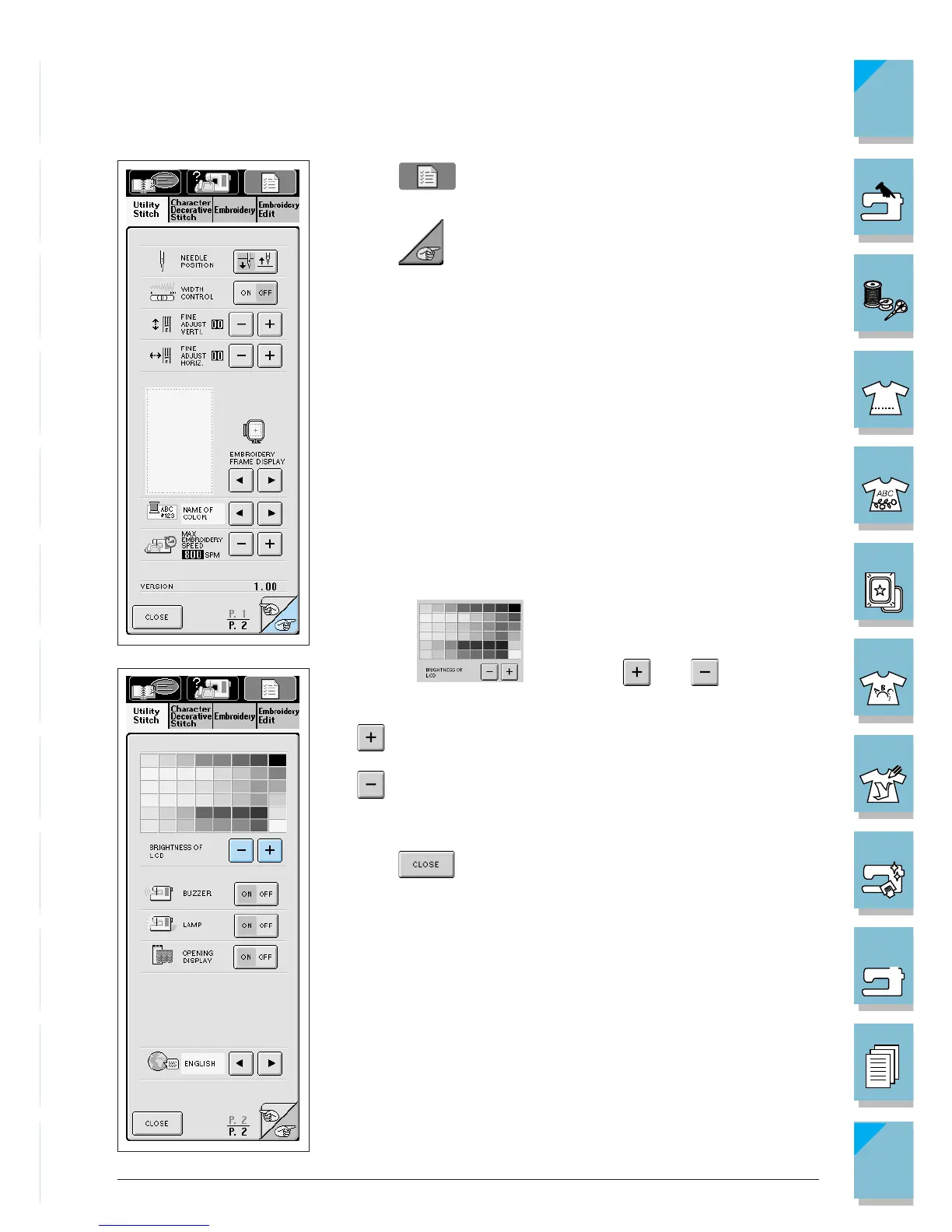
1. Press to open the screen at left.
2. Press to go to the next screen.
3. On the display, use and to adjust the
screen brightness.
* makes the screen darker
* makes the screen lighter
4. Once you have adjusted the screen brightness,
press .














 To Next Page