Setting Up 1-21
1 —
2 —
3 —
4 —
5 —
6 —
7 —
8 —
?
!
9 —
CONTENTS
Index
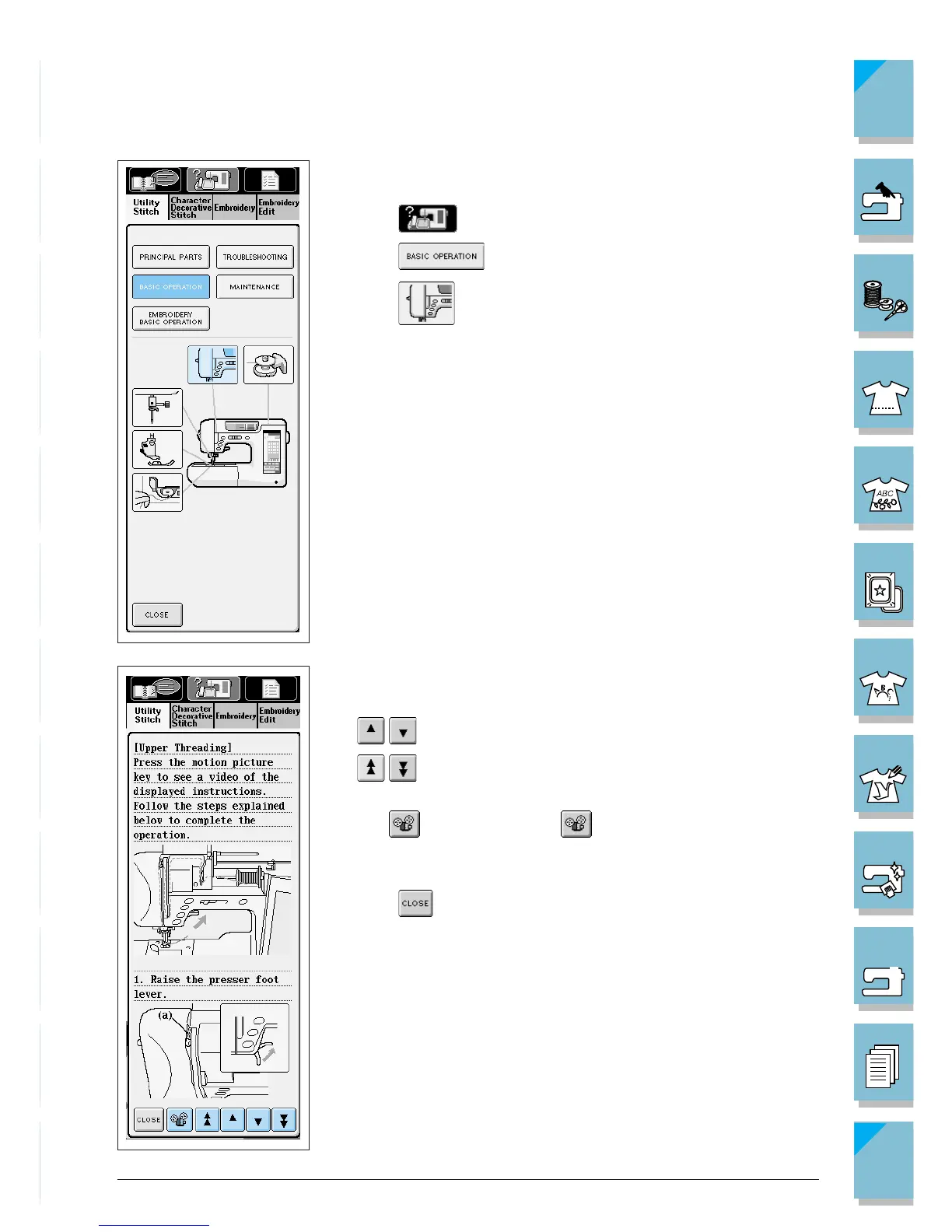
Example: Displaying information about upper threading
1. Press .
2. Press . The lower half of the screen will change.
3. Press (upper threading).
4. This screen shows instructions for threading the machine.
Use the arrow keys to scroll downward for more information.
= to scroll slowly
= to scroll quickly
If you select bobbin winding, setting the bobbin, or upper thread-
ing, is displayed. Press to see a video of the displayed
instructions.
5. Press to go back to the original screen.














 To Next Page