Introduction A-5
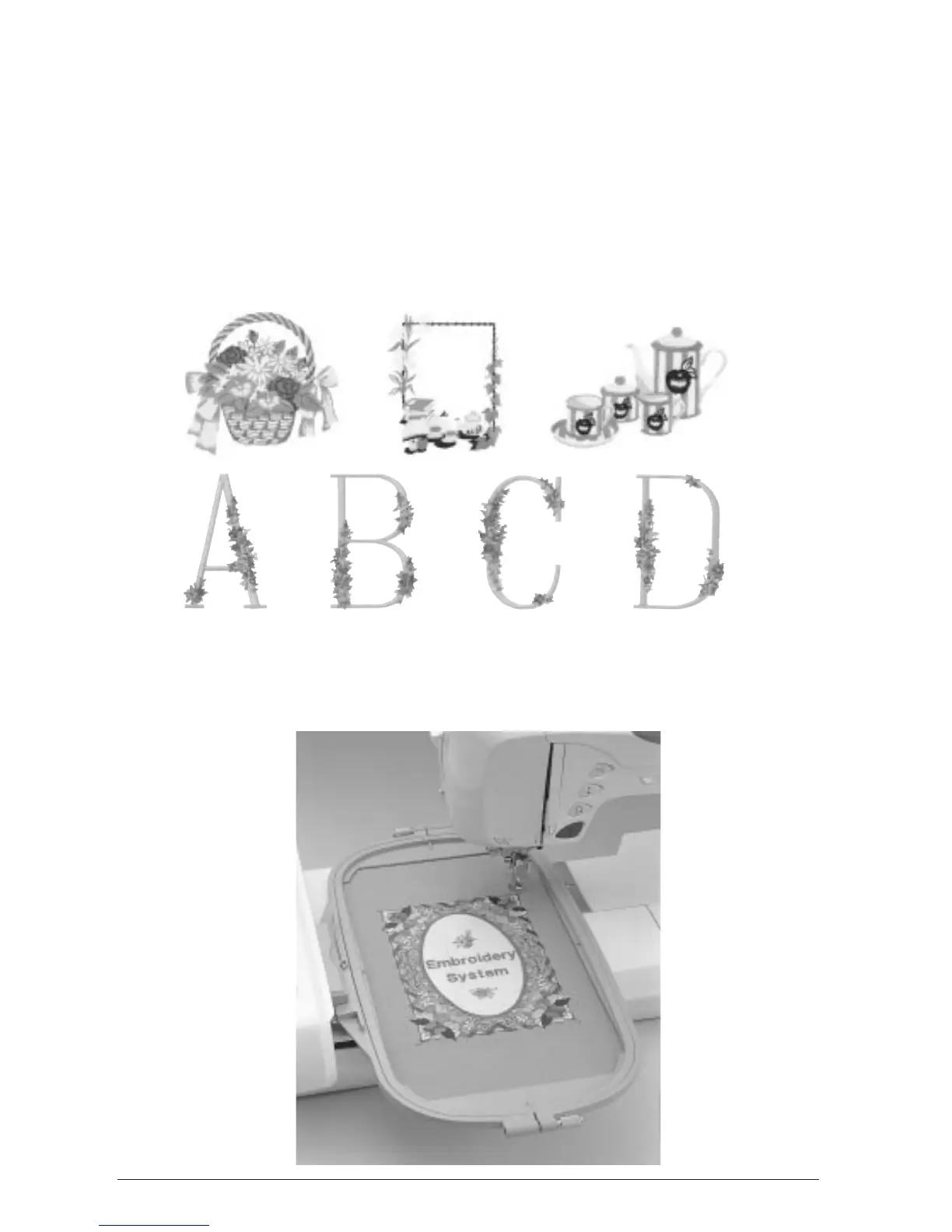
Attach the embroidery unit to enjoy sewing realistic embroidery patterns. Choose from the alpha-
betic (character) patterns, built-in designs, or decorative borders to frame your patterns pre-pro-
grammed into the machine, or choose from a wide selection of embroidery cards (sold separately)
to increase creativity.
Embroidery
Select the “Embroidery” function icon to choose a pattern and sew it as it appears on the screen.
Embroidery Editing
You can combine characters and patterns, or change the configuration of characters easily with
the “Embroidery Edit” functions.














 To Next Page