Chapter1 Setup
LinkStation User Manual 9
1
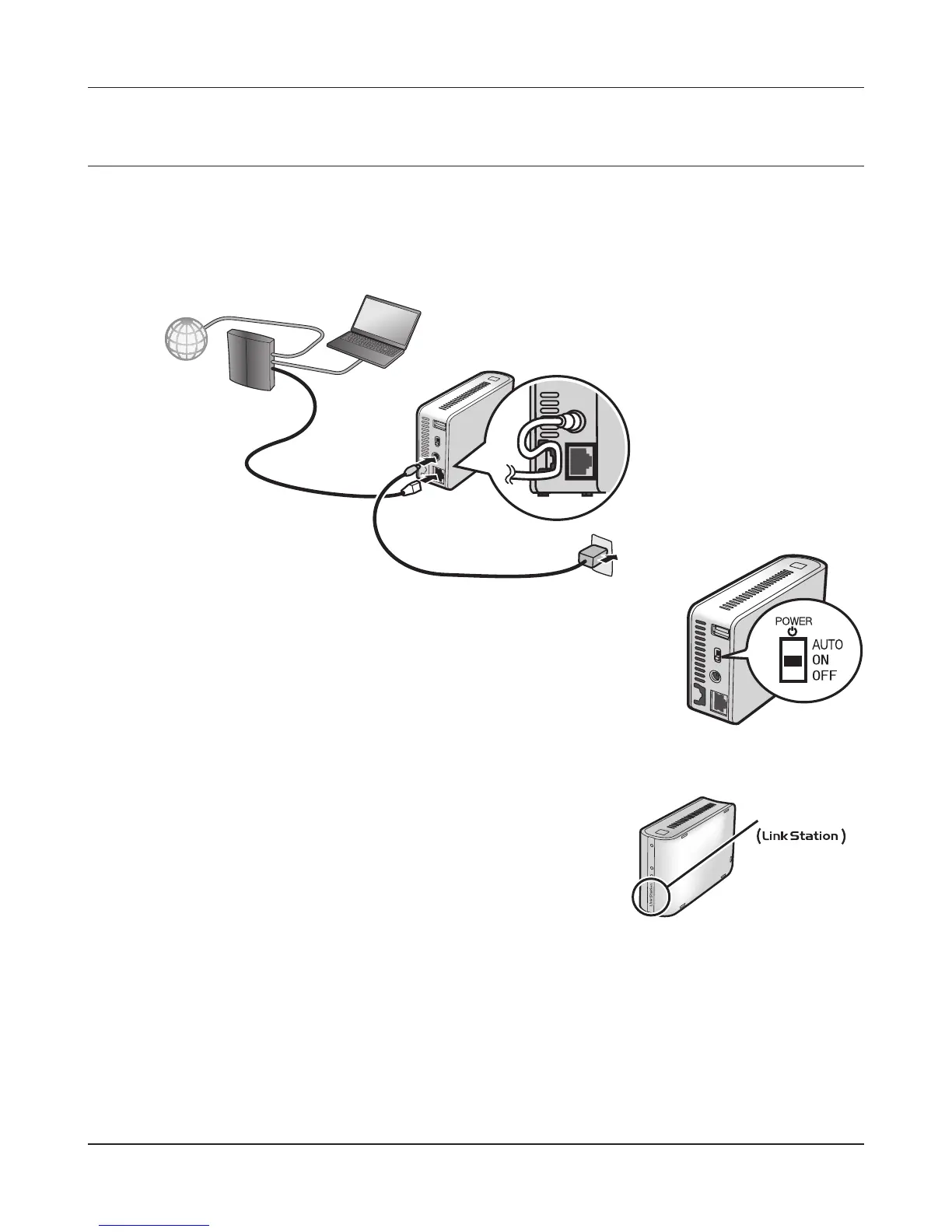
Connect the LinkStation with the AC adaptor and an Ethernet cable. Plug the power cord into a
surge protector or power outlet. Connect the Ethernet cable to a router, hub, or switch on your
network. The Ethernet cable will “click” and lock in place when inserted properly.
2
Move the Power Mode Switch on the back of the LinkStation to ON.
Note:
Do not set the Power Mode Switch to AUTO at this time. After the
initial installation is complete, then the Auto Power Mode may be
used.
3
Wait until the power LED stops blinking and glows a steady blue.
LinkNavigator Setup (LS-WSXL)
Power LED
LinkStation











 To Next Page