Using your LinkStation
LinkStation User Manual 134
Using iTunes Server
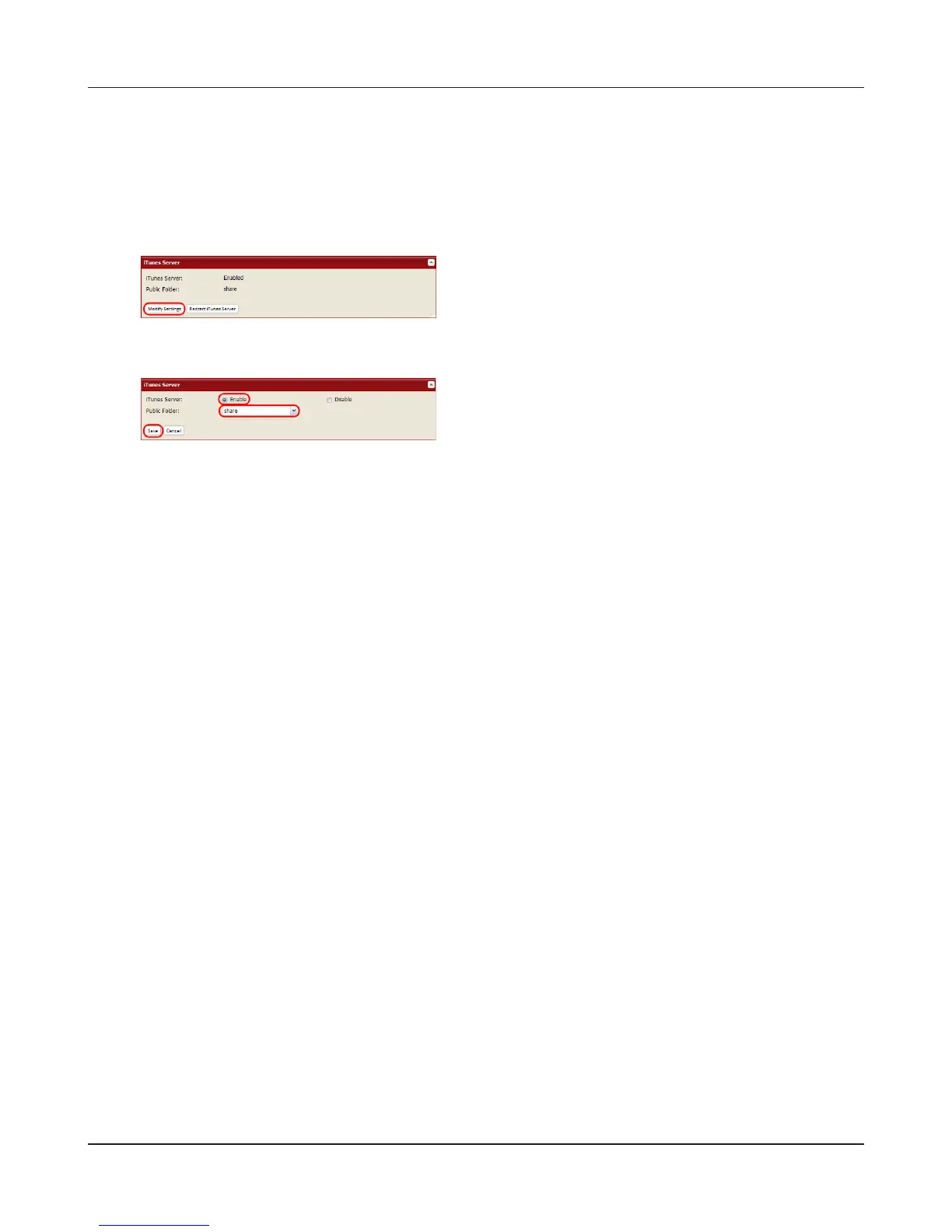
Computers on the network running iTunes can access MP3, M4A, and M4P music les from the
LinkStation’s media server. Enable the LinkStation’s media server as described below.
2
1 Select [Enable].
2 Select the public folder.
3 Click [Save].
Note:
If you add, change, or delete music les on the LinkStation during playback of a music le, playback
is stopped for rebuilding the database. Connect to the iTunes server again to play the music le.
This completes the settings for the iTunes server.
Connect the iTunes server-compatible device to the network to enjoy your music les.
1
In the Web Admin interface, navigate to [Extensions]
- [MediaServer] - [iTunes Server] and click [Modify
Settings].











 To Next Page