Using your LinkStation
LinkStation User Manual 108
Restoring Factory Defaults
To initialize the LinkStation to its factory defaults, follow the procedure below.
1
2
3
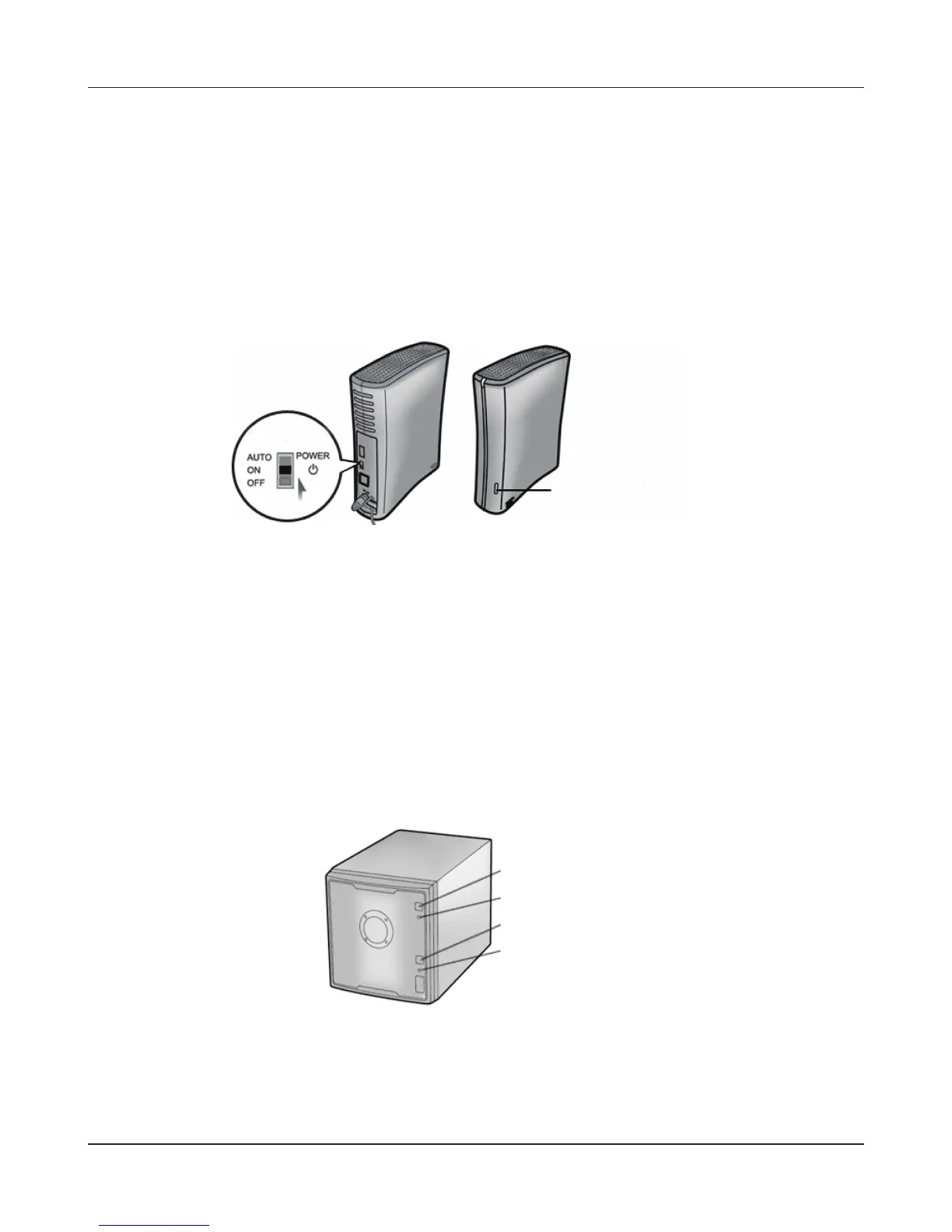
Move the power switch to the ON position while holding down the function button. The
function button will ash blue for 1 minute.
While the function button is ashing blue, press it again. The status LED will ash blue. It will
start ashing amber when initialization begins (2 - 3 minutes).
Function Button
Move the power switch to the OFF position to shut down the LinkStation.
For LS-VL, LS-XHL, LS-CHL, LS-WVL, LS-WXL, LS-WSXL LinkStation models
For LS-QVL LinkStation model
1
2
3
Turn on the Power button while holding down the Function button. The Function LED ashes
blue (for about one minute).
While the Function LED is ashing blue, press the Function button one more time. This starts
the initialization process. During initialization, the Power LED ashes amber.
Hold down the Power button for three seconds to shut down the LinkStation.
Power Button
Power LED
Function Button
Function LED











 To Next Page