Using your LinkStation
LinkStation User Manual 114
Network-USB Server
A Network-USB server lets you connect to USB devices attached to a LinkStation from multiple
computers. Only one computer can be connected to each USB device at one time.
Before connecting a USB device to your LinkStation, rst connect it directly to your computer so that
the driver is installed.
Notes:
• Not all LinkStations support Network-USB Server. Check the LinkStation Function List on page 35
to see if your LinkStation supports Network-USB Server.
• For a list of compatible USB devices that can be connected with the Network-USB server,
see www.bualotech.com.
• While the Network-USB server is enabled, the following devices and functions will not be able to
use the USB port:
- USB hard drives
- Print server
- USB UPS connection
- DirectCopy
• Maximum number of connectable USB devices: 15 (not including one USB hub). The number of
connectable devices may vary depending on the customer’s operating environment.
• If a device is recognized as multiple USB devices, the maximum number of connectable devices is
reduced.
• Only one USB hub can be connected.
1
2
Next, follow the procedure on the next page to install Network-USB Navigator.
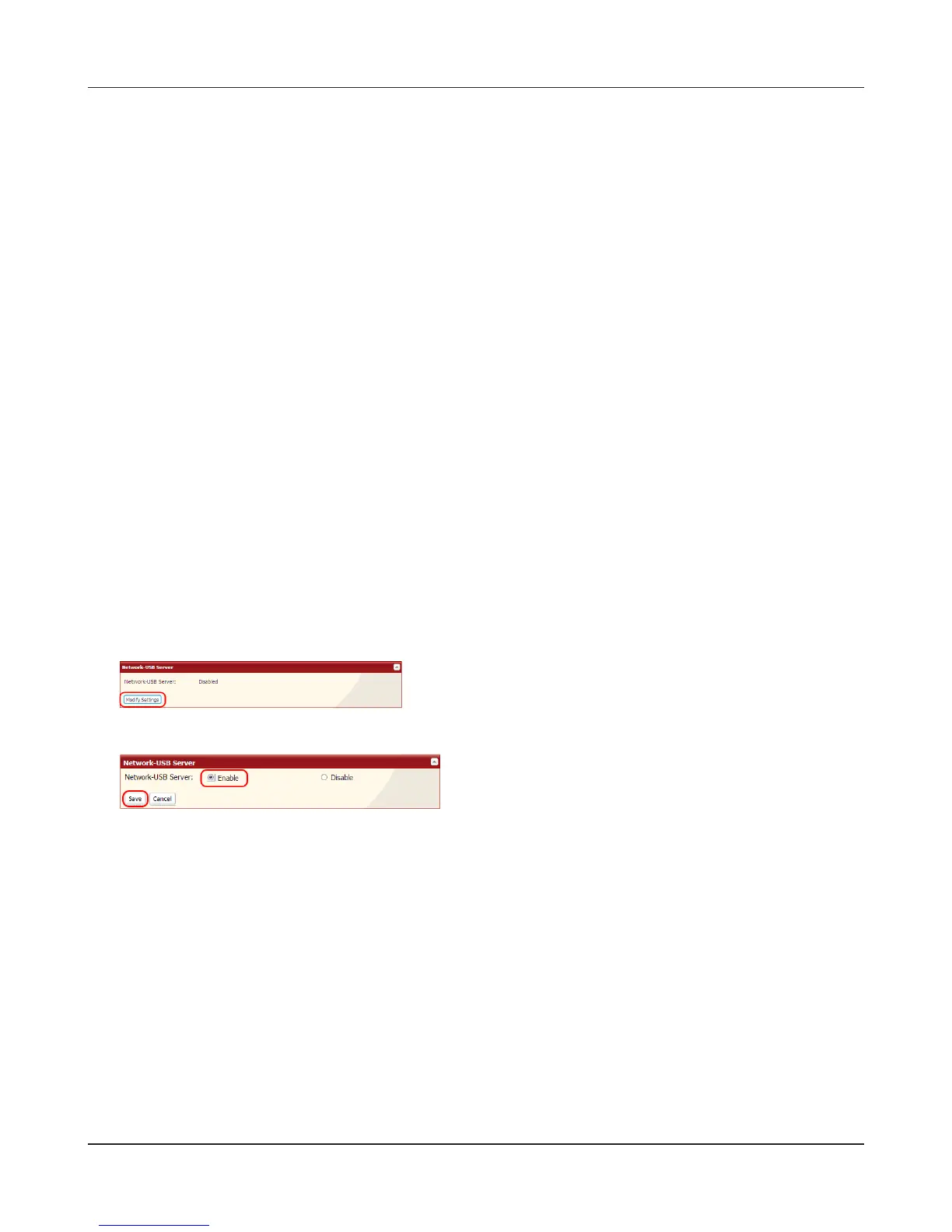
1 Select [Enable].
2 Click [Save].
In the Web Admin interface, navigate to [Extensions]
- [Network-USB Server] - [Modify Settings].











 To Next Page