Using your LinkStation
LinkStation User Manual 115
1
Insert the LinkNavigator CD.
2
The Setup Wizard should launch automatically.
If not, open the CD and double-click [LSNavi.exe]. LinkNavigator will launch.
3
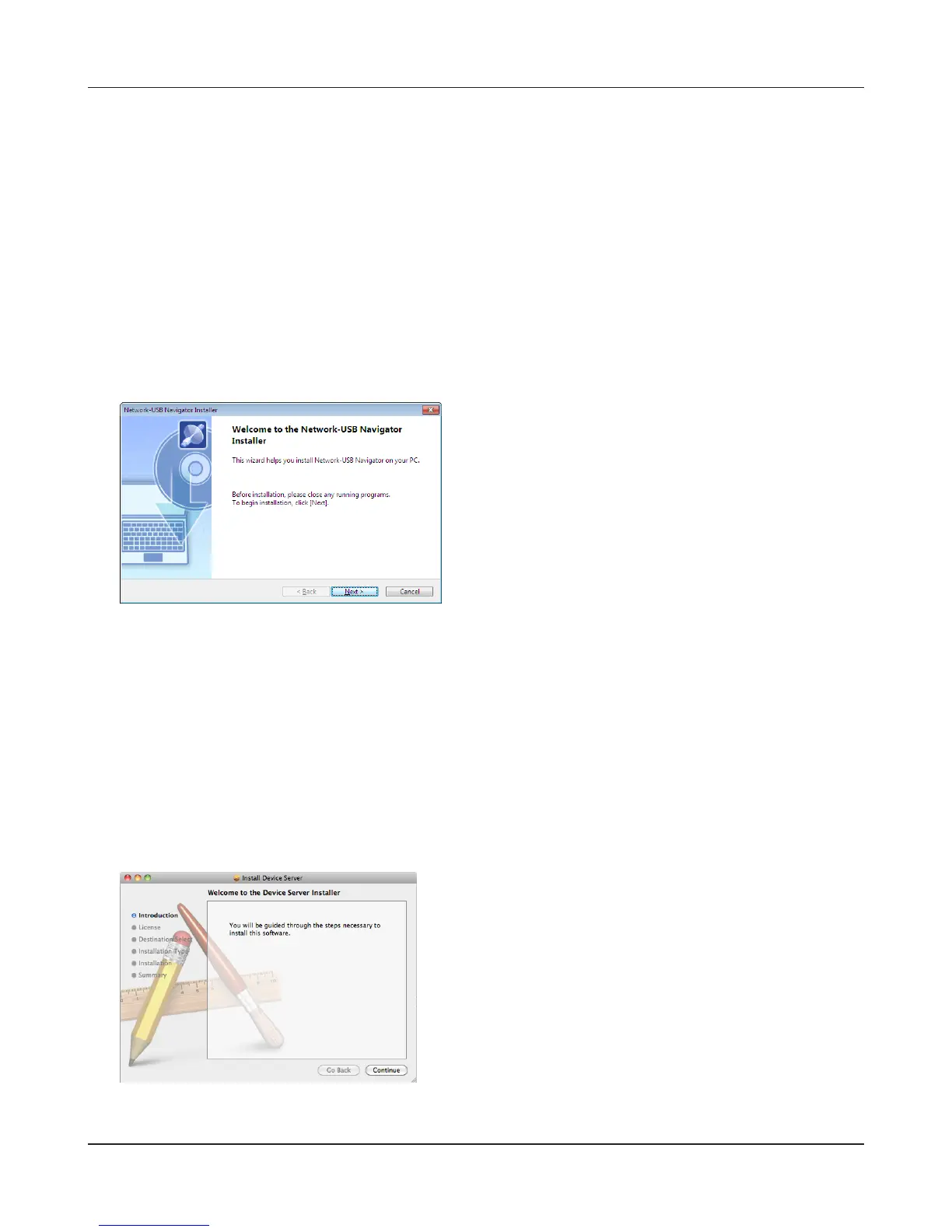
Click [Options] - [Additional Software Installation] - [Network-USB Navigator] - [Install].
4
Network-USB Navigator installation is complete. Refer to "Network-USB User Manual" for more
information.
Network-USB Navigator Installation
1
Insert the LinkNavigator CD.
2
Double-click on the LinkNavigator icon in the utility CD. LinkNavigator will launch.
3
Click [Install Network-USB Navigator].
4
Network-USB Navigator installation is complete. Refer to "Network-USB User Manual" for more
information.
Click [Continue]. The wizard will guide you
through installation.
Macintosh Users
Windows Users
Click [Next]. The wizard will guide you through
installation.











 To Next Page