LinkStation User Manual 204
Appendix
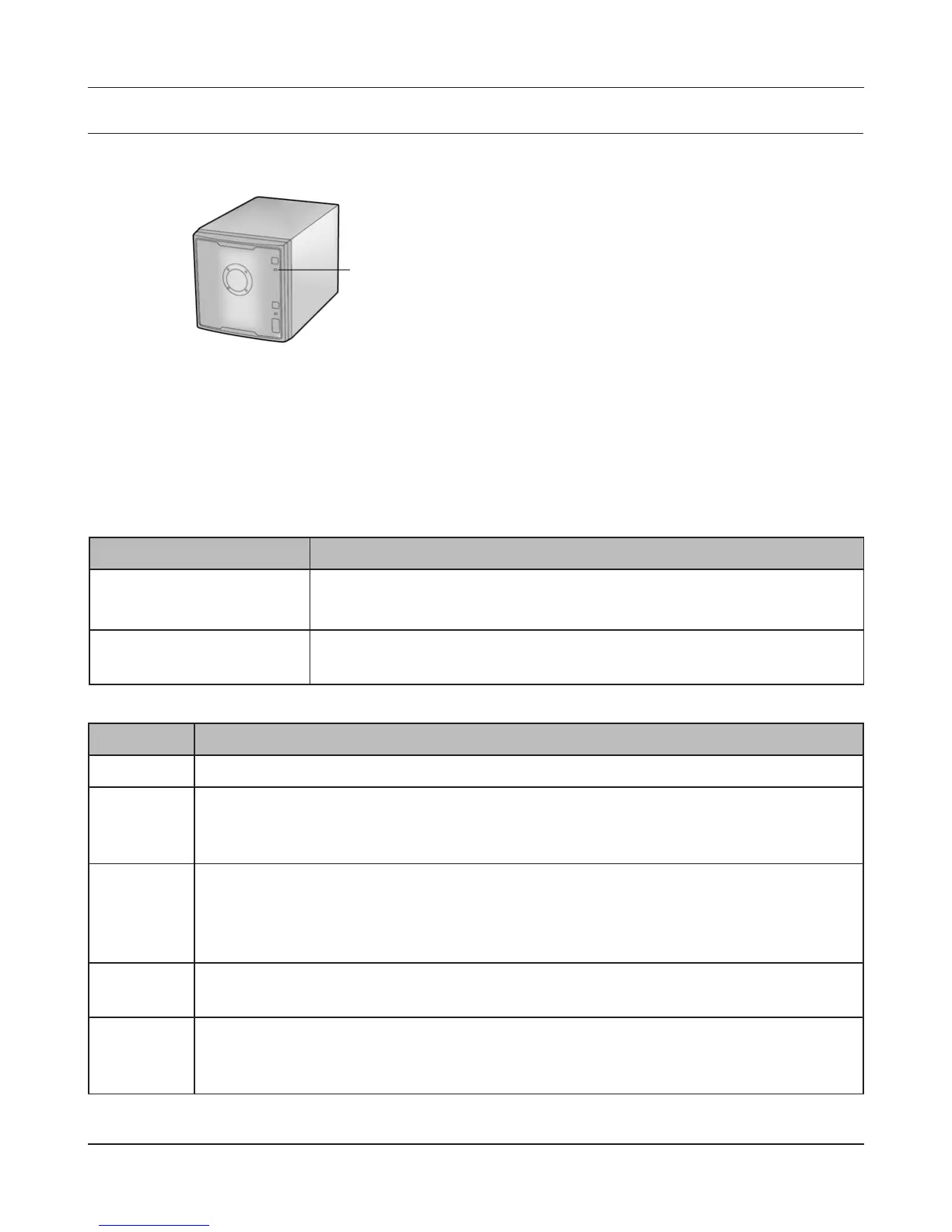
Status LED (LS-QVL)
During normal operation, the power LED will glow blue.
Flashing Red
The Power LED ashes red if the LinkStation experiences an error. The way it ashes indicates the
type of error.
Note:
If there is an error, open NAS Navigator2. It may have an error message displayed.
Place of error code Status
10s place of error code The LED illuminates for 1.0 second every 0.3 seconds.
The number of ashes is the tens place of the error code.
1s place of error code The LED illuminates for 0.5 seconds every 0.3 seconds.
The number of ashes is the ones place of the error code.
Power LED
Error code Descriptions
E04 The rmware is corrupted. Contact Bualo technical support for assistance.
E10 The LinkStation is running on the UPS battery due to a power outage. The system
will now be shut down safely. Check that power is being supplied to the UPS, and if
there are no problems, turn on the LinkStation.
E11 An error occurred in the fan speed. Check that no foreign objects or dust are
clogging the fan. If any foreign objects or dust are found, use a pair of tweezers, air
duster, or other tool to remove them. If the error is displayed again, contact Bualo
technical support for assistance.
E12 System temperature has exceeded the maximum safe value. Do not place objects in
the area around the LinkStation. Also, move the LinkStation to a cooler location.
E13 An error occurred in the RAID array. Operation will continue, but in degraded mode
for RAID 1, 5 or 10. Replace the failed drive as soon as possible. After replacement,
rebuild the RAID array after starting the LinkStation.











 To Next Page