LinkStation User Manual 209
Appendix
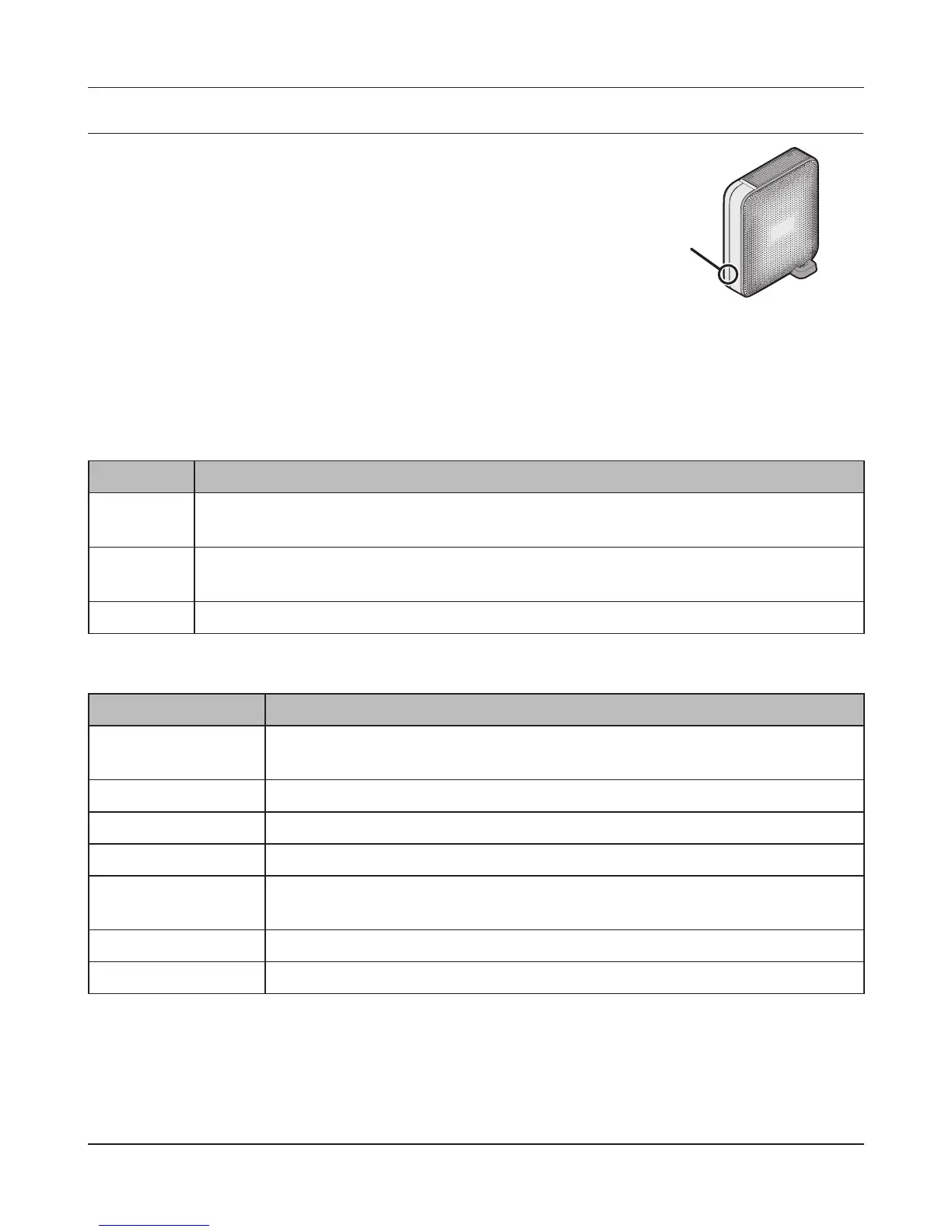
Status LED (LS-XL)
When the AC adapter is connected, the power LED will glow blue.
The LED turns o when the power is turned o.
The LED will blink blue during startup and during the rmware
update process.
Notes:
• Do not disconnect the AC adapter while the LED is ashing or glowing. This could cause a device
failure. The AC adapter can be disconnected when the LED is o.
• When updating the rmware, the power LED will blink as shown below.
A pattern of two 1-second (long) ashes followed by ve 0.5-second (short) ashes is repeated.
• NAS Navigator2 displays the LinkStation error and information below.
Error code Descriptions
E15 The bad sectors in the hard drive have reached a dangerous level. Contact Bualo
technical support for assistance.
E22 Mounting of hard drive failed. Format the hard drive. After formatting, if the error
still appears after rebooting, contact Bualo technical support for assistance.
E30 The hard drive may be damaged. Contact Bualo technical support for assistance.
Information code Descriptions
I11 The bad sectors in the hard drive may have reached a dangerous level.
Replace the hard drive.
I20 Checking the hard drive.
I21 Checking the hard drive.
I22 Erasing the data for the hard drive.
I25 Updating the LinkStation rmware. Do not turn o the power during the
updating process.
I26 Initializing all settings in the Web Admin interface.
I52 A new rmware version has been released. Update the rmware.
Power LED











 To Next Page