LinkStation User Manual 208
Appendix
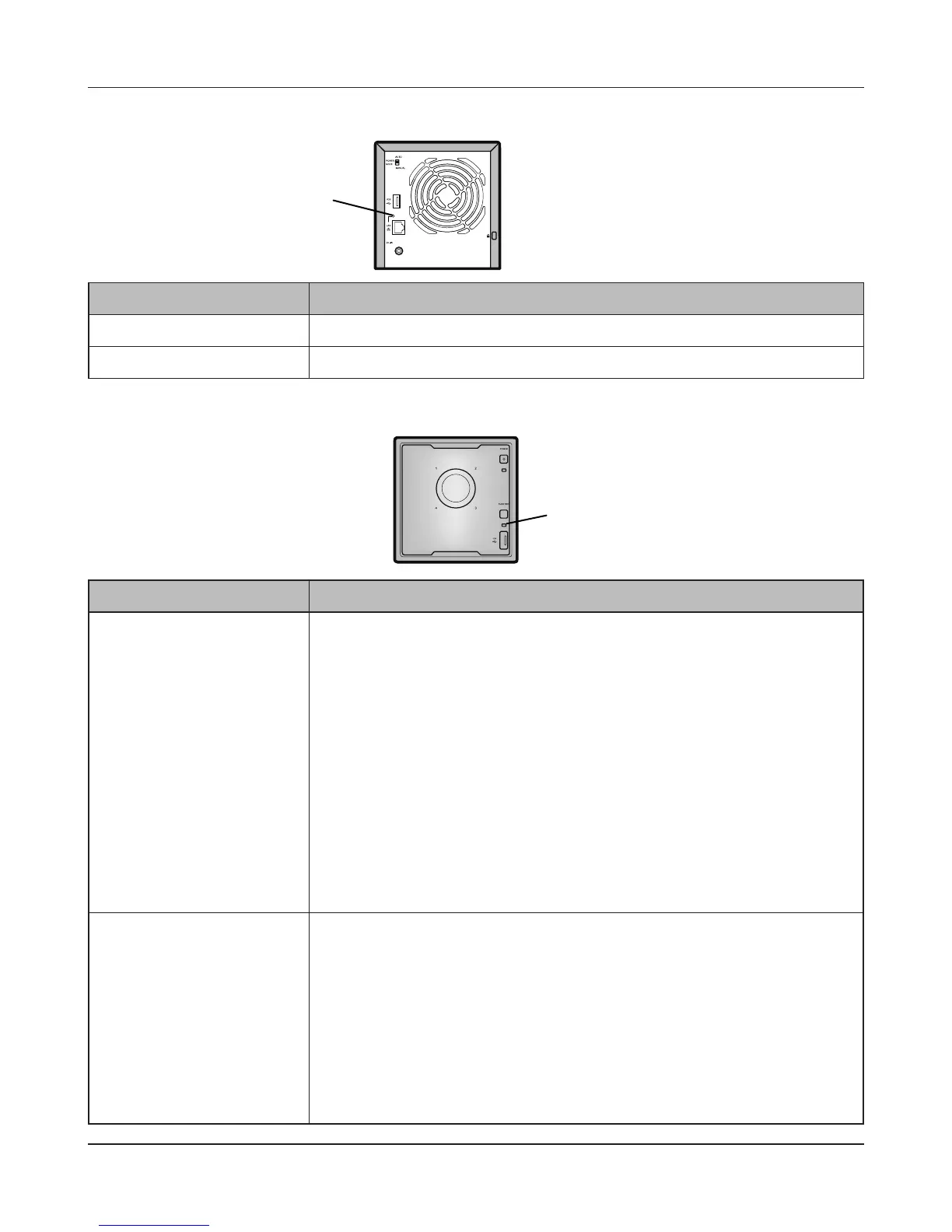
Link/Act LED
Status Descriptions
Glowing green Linking.
Blinking green Accessing.
Link/Act LED
Function LED
Function LED
Status Descriptions
Glowing Blue When installing a USB device
When the USB device is recognized, the Function LED is lit blue (for
about 60 seconds).
After the Function LED is lit blue, the USB device can be accessed.
When removing a USB device
To remove a USB device connected to the LinkStation, hold down the
Function button for at least three seconds. The Function LED will turn
blue, then turn o. Once it has turned o, it is safe to unplug the USB
device.
When starting DirectCopy
After the USB device is connected, pressing the LinkStation Function
button while the Function LED is glowing blue (about 60 seconds)
copies the data from the USB device to the DirectCopy folder.
Blinking Blue During execution of DirectCopy
The LED ashes blue during the DirectCopy operation. Pressing the
Function button again during the DirectCopy operation cancels it.
Initialization of Settings
To return the LinkStation’s settings to their factory defaults, hold
down the function button and press the power button, then release
both. The function LED will blink blue for one minute. Press the
function button again while the LED is blinking to initialize all
settings.











 To Next Page