LinkStation User Manual 207
Appendix
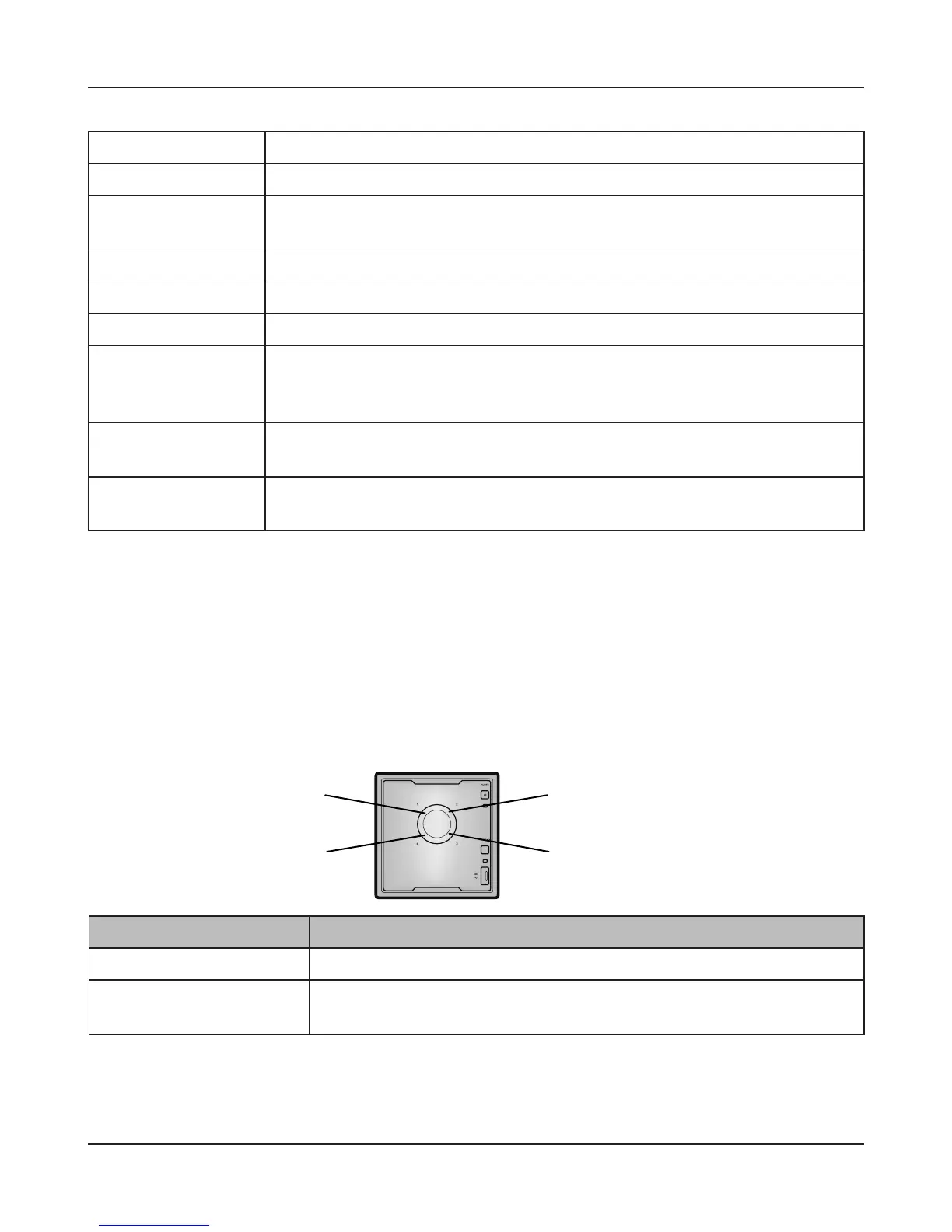
Status LED 1~4
Status LED 2
Status LED 3
Status LED 1
Status LED 4
Status Descriptions
Glowing green Normal state. This ashes during access.
Glowing red An error occurred in the hard drive. Replace the hard drive indicated
by the drive number that is lit red.
I21 Checking the hard drive.
I22 Erasing the data for the hard drive.
I25 Updating the LinkStation rmware. Do not turn o the power during the
updating process.
I26 Initializing all settings in the Web Admin interface.
I27 Checking a USB hard drive.
I28 Formatting a USB hard drive.
I32 The RAID should be rebuilt or a drive should be formatted. Normally this is
displayed after a hard drive has been replaced. Rebuild the RAID array or
format the hard drive in the Web Admin interface.
I46 Data migration or conversion (RAID migration) is in progress. Do not turn
o the LinkStation power.
I47 Data migration or conversion (RAID migration) is in progress. Do not turn
o the LinkStation power.
Power LED glowing amber
When new rmware is available, the power LED will glow amber. Update the rmware as described
on page 112.











 To Next Page