Using your LinkStation
LinkStation User Manual 125
DLNA Server
The LinkStation is equipped with a DLNA server. Videos, pictures and music saved on the LinkStation
can be displayed or played on TV, audio devices, game devices and other DLNA compatible network
devices.
DLNA (Digital Living Network Alliance) denes Home Network Device Interoperability Guidelines,
which are product design guidelines in the industry's standard technology in order to achieve the
interconnecting environment for digital devices (computers, home appliance, mobile devices and
so on).
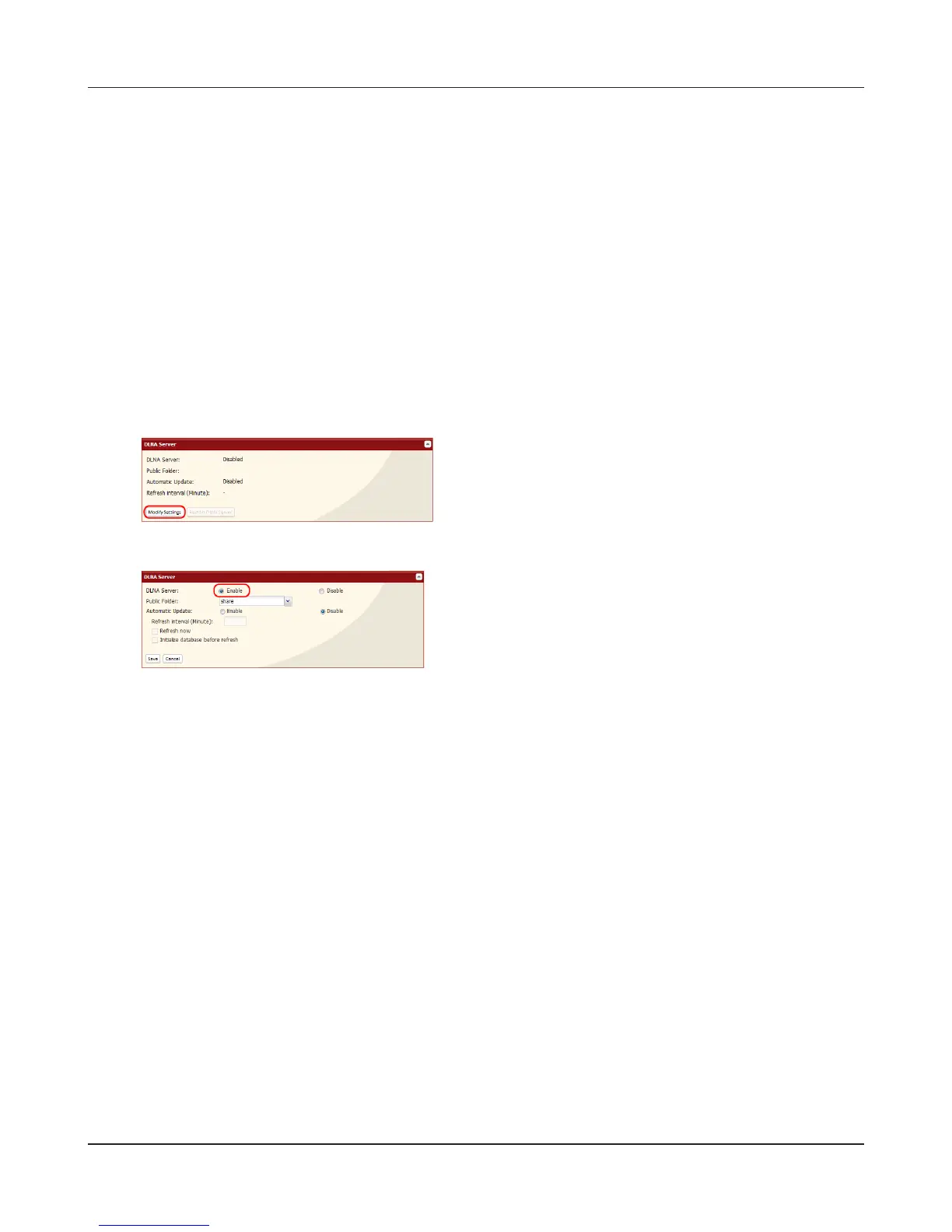
To use DLNA server on the LinkStation, begin by enabling it.
3
1
2
In the Web Admin interface, navigate to
[Extensions] - [MediaServer] - [DLNA Server] and
click [Modify Settings].
Enable [DLNA Server].
Click [Save] at the bottom of the Web Admin interface.
DLNA server is now enabled on the LinkStation.











 To Next Page