Using your LinkStation
LinkStation User Manual 67
MySQL server
The LinkStation can be used as a MySQL server.
A MySQL database may be installed and linked with the web server.
Notes:
• Not all LinkStations include MySQL server functionality. Check the LinkStation Function List on
page 35 to see if your LinkStation supports MySQL server.
• The LinkStation’s MySQL server is for advanced users only.
• Do not enable it unless you know what you’re doing.
1
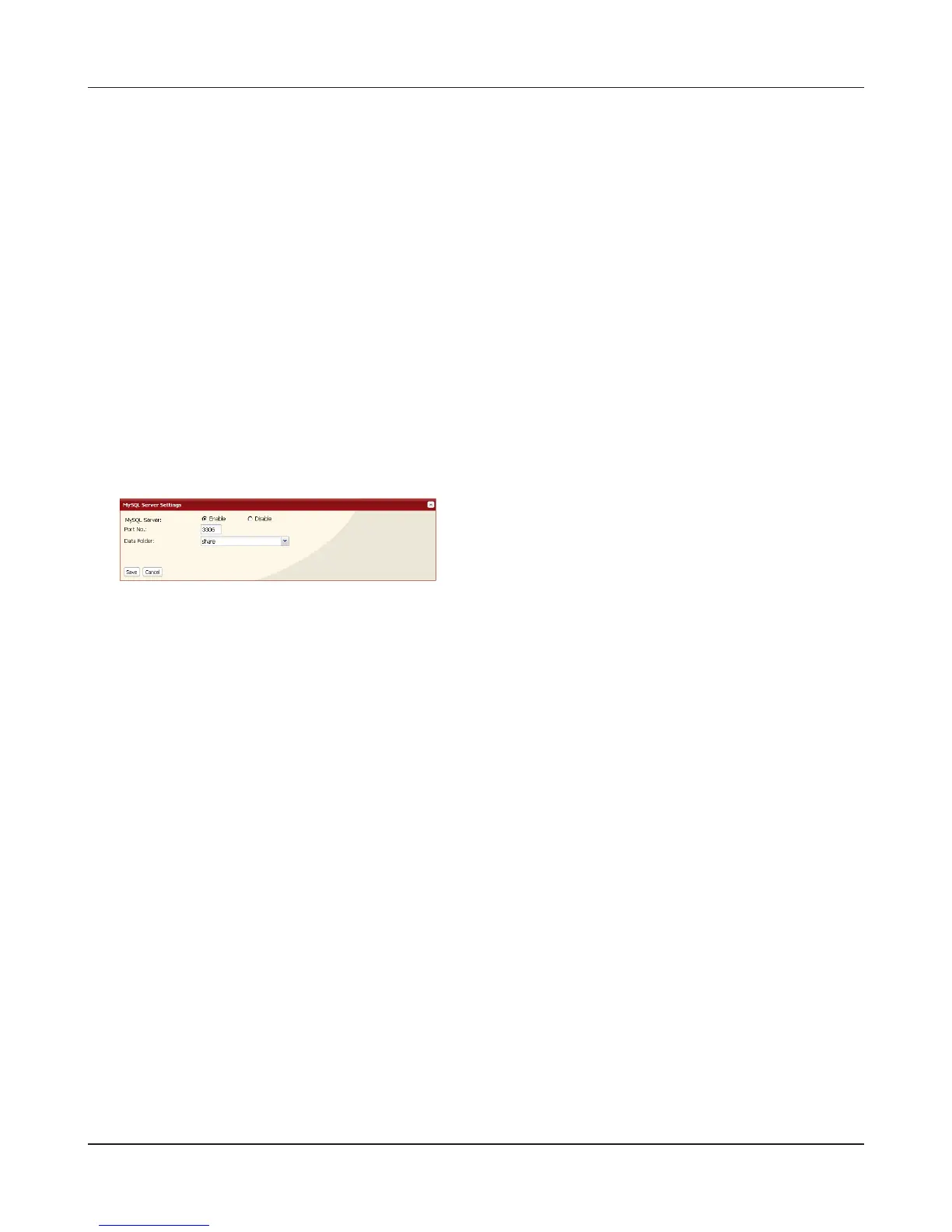
Navigate to [Network] – [MySQL Server] in the Web Admin interface and click [Modify Settings].
2
Select [Enable] for [MySQL Server], choose a [Port No.] and [Data Folder], and click [Save].
The MySQL server is now congured.











 To Next Page