Using your LinkStation
LinkStation User Manual 116
Print Server
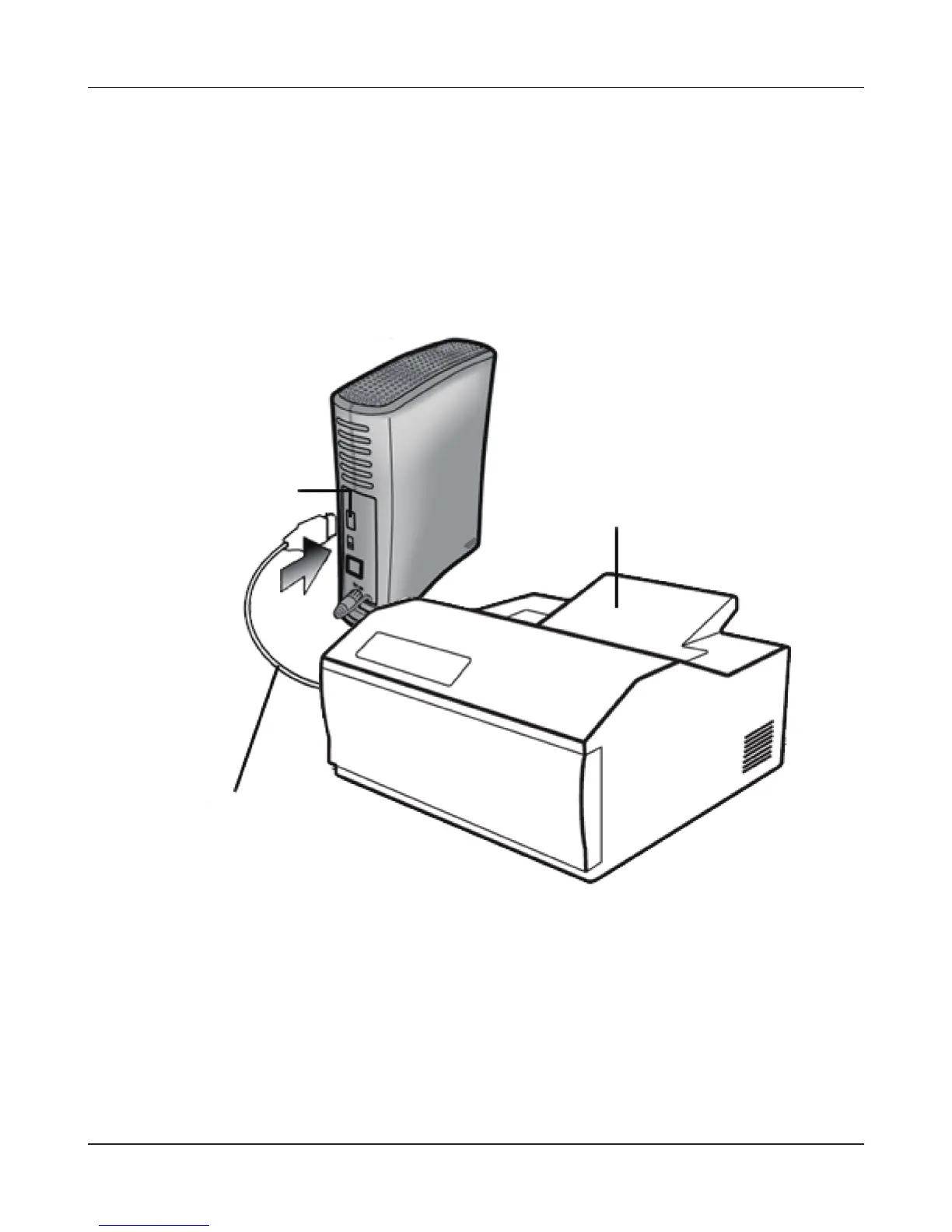
LinkStation is equipped with a USB connector on the back. LS-QVL LinkStation is equipped with
a USB connector each on the front and back. You can connect a USB printer to the LinkStation as
shown below.
Note:
Not all LinkStations include printer support. Check the LinkStation Function List on page 35 to see if
your LinkStation includes printer support.
Notes:
• Only one printer can be connected to the LinkStation.
• The LinkStation does not support 2-way communication. For example, it cannot tell you the
amount of ink left.
• Multi-function printers are not supported.
• Printers which only support 2-way communication or WPS (Windows Printing System) are not
supported.
• Mac OS X cannot print to a printer connected to the LinkStation.
USB Connector
USB cable
(not included)
USB Printer
(not included)











 To Next Page