LinkStation User Manual 195
Appendix
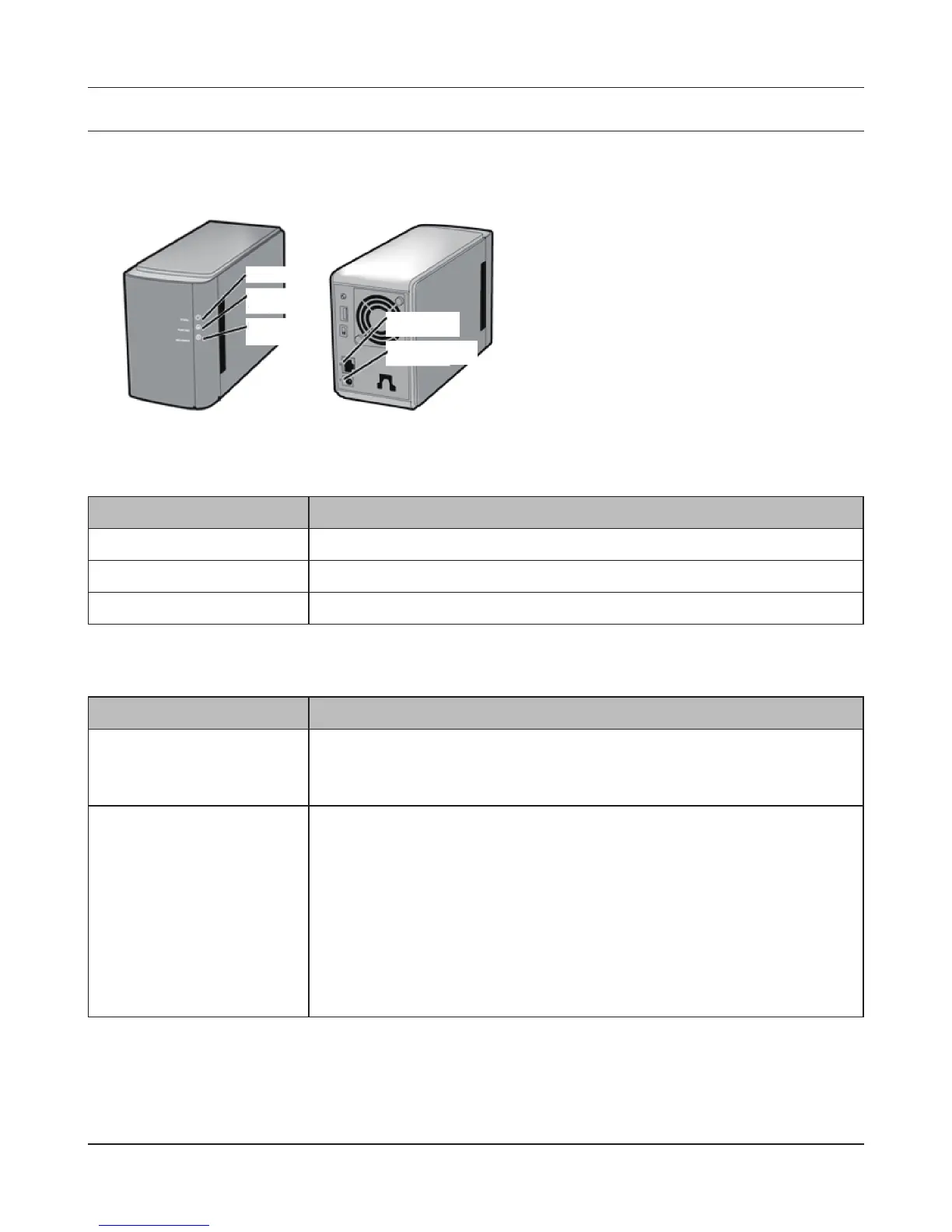
Status LED (LS-WVL, LS-WXL)
There are 5 LEDs on the LinkStation: “Power”, “Function”, “Info/Error”, “Link/Act”, and “AC adaptor”.
Function LED
Status Descriptions
Glowing Blue DirectCopy is ready (lights for 1 minute).
USB device is dismounted (lights for 5 seconds).
Initialization is in progress.
Blinking Blue DirectCopy is in use.
Note:
The function LED (blue) and the info/error LED (orange) blink together
if an error occurs during DirectCopy. Please do the following if this
happens:.
1. Shut down the LinkStation .
2. Detach the USB device from the LinkStation.
3. Reattach the USB device to the LinkStation.
4. Power on the LinkStation.
Power LED
Status Descriptions
Glowing Blue The LinkStation is powered on.
Blinking Blue The LinkStation is starting up or shutting down.
LED is o The LinkStation is o.
Power LED
Function LED
Info/Error LED
Link/Act LED
AC adaptor LED











 To Next Page