LinkStation User Manual 194
Appendix
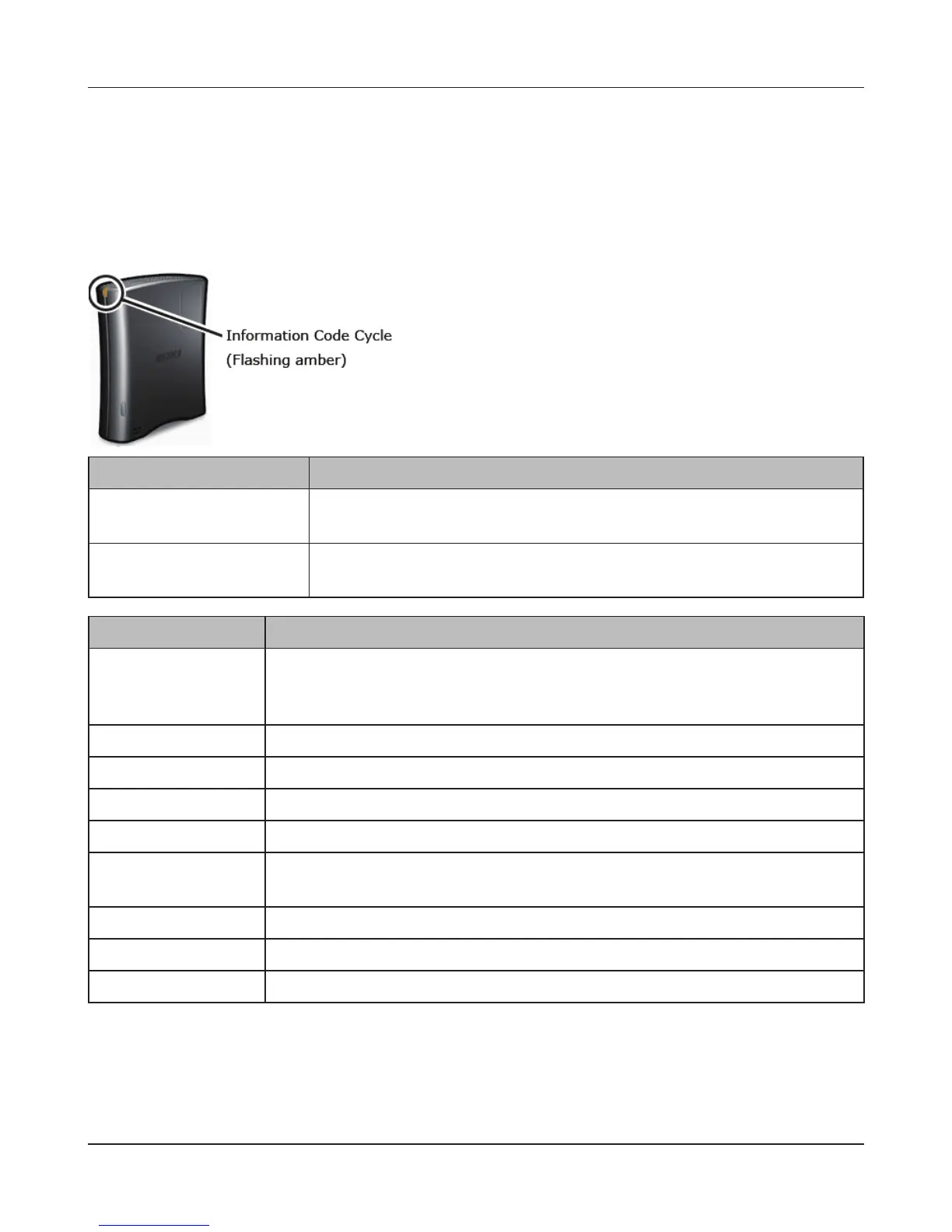
Power LED ashing amber
The Power LED ashes amber with information codes. The way it ashes indicates the message.
Note:
If the Power LED is ashing amber, you can open NAS Navigator2. It will tell you the status of the
LinkStation.
Power LED glowing amber
When new rmware is available, the power LED will glow amber. Update the rmware as described
on page 112.
Place Status
10s place The LED illuminates for 1.0 second every 0.3 seconds.
The number of ashes is the tens place of the information code.
1s place The LED illuminates for 0.5 seconds every 0.3 seconds.
The number of ashes is the ones place of the information code.
Information codes Descriptions
I10 System temperature may have exceeded the maximum safe value. Move
the LinkStation to a cooler location. Do not place objects in the area around
the LinkStation.
I11 The bad sectors in the hard drive may have reached a dangerous level.
I20 Checking the hard drive.
I21 Checking the hard drive.
I22 Erasing hard drive data.
I25 Updating the LinkStation rmware.
Do not turn o the power during the updating process.
I26 Initializing all settings in the Web Admin interface.
I27 Checking a USB hard drive.
I28 Formatting a USB hard drive.



 To Next Page