Using your LinkStation
LinkStation User Manual 27
5
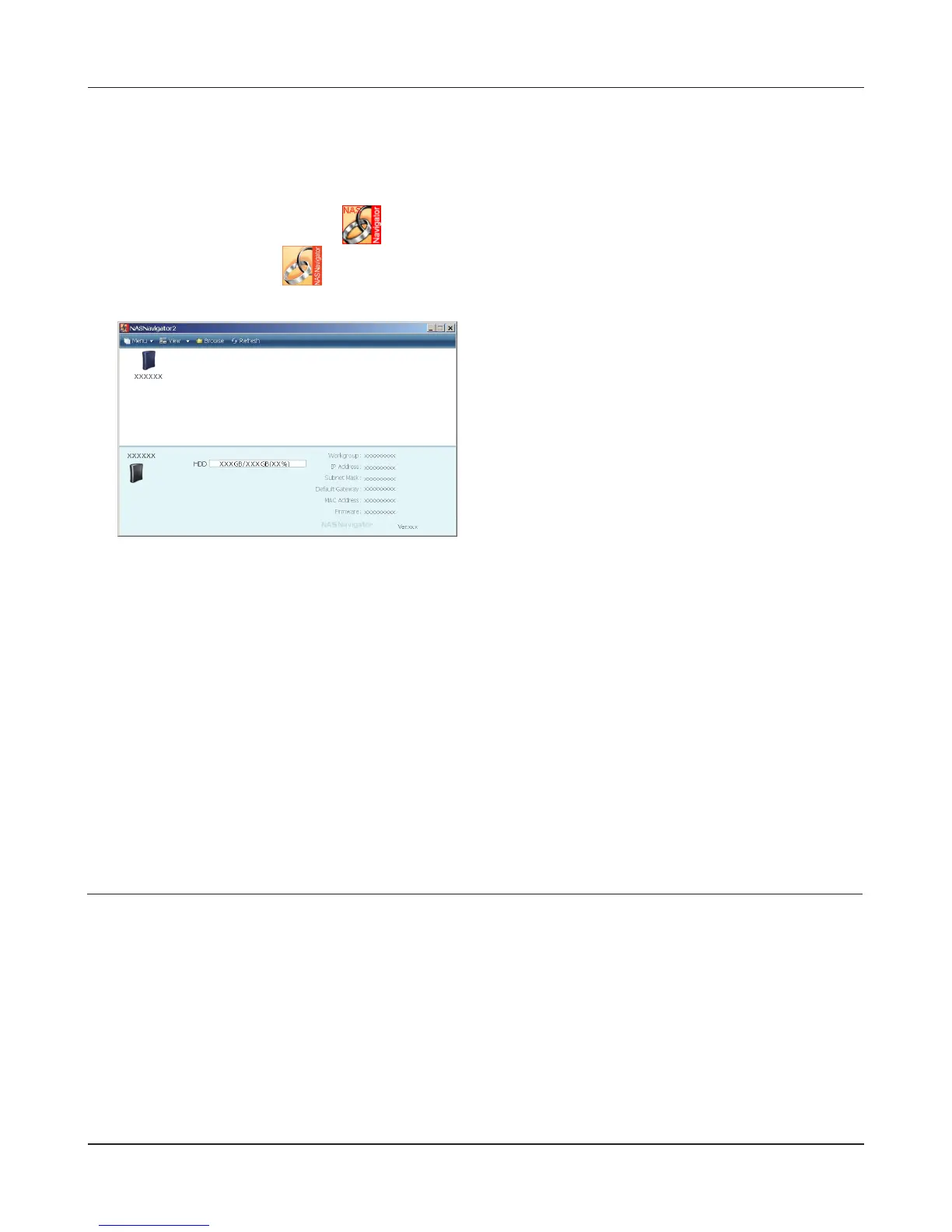
Launch NAS Navigator2:
• Windows: Double-click the icon on the desktop.
• Mac OS X: Click the icon in the Dock.
6
7
The LinkStation’s shared folder opens.
Note:
On Mac OS, LinkStation is mounted as a drive icon on the desktop, or displayed in the sidebar
on the Finder.
Setup is complete. You can now use the LinkStation’s shared folder to save les just like any other
folders.
Double-click on the LinkStation icon.
Adding another LinkStations
To add one or more additional LinkStations to your network, rerun the installation program for each
one.











 To Next Page