Using your LinkStation
LinkStation User Manual 78
Remove Disk
To remove the hard drive:
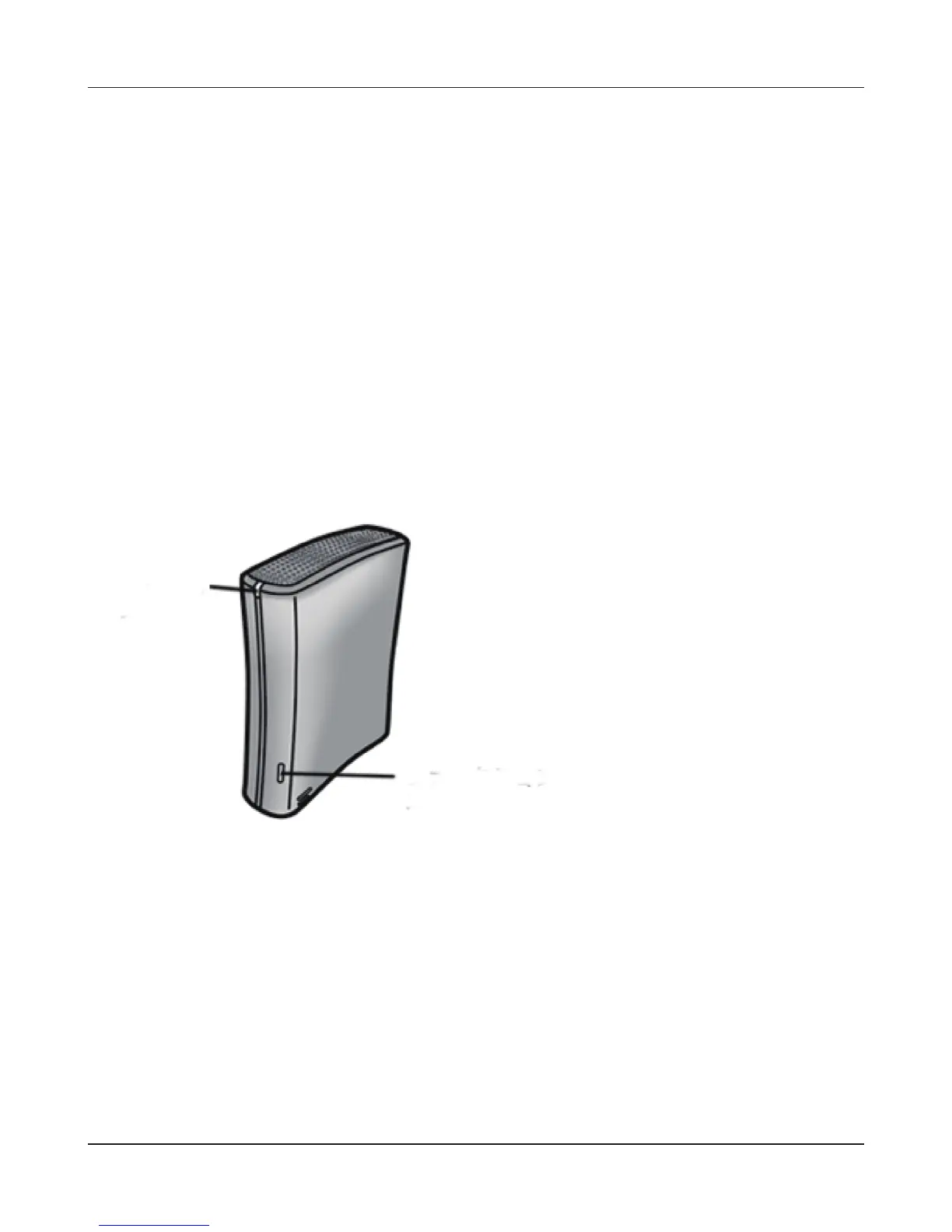
If the LinkStation is powered on, dismount the USB hard drive before unplugging it. Hold in the
function button for 3 seconds. The blue LED will go out, and the drive is dismounted. You may now
unplug it safely.
Notes:
• If the LinkStation is o, then the USB device is already dismounted, and you can remove it safely.
• If a USB drive is unplugged without being dismounted rst, it may not be recognized properly
when it is reconnected. If this happens, restart the LinkStation and then reconnect the drive.
Function
Button
Power LED











 To Next Page