LinkStation User Manual 206
Appendix
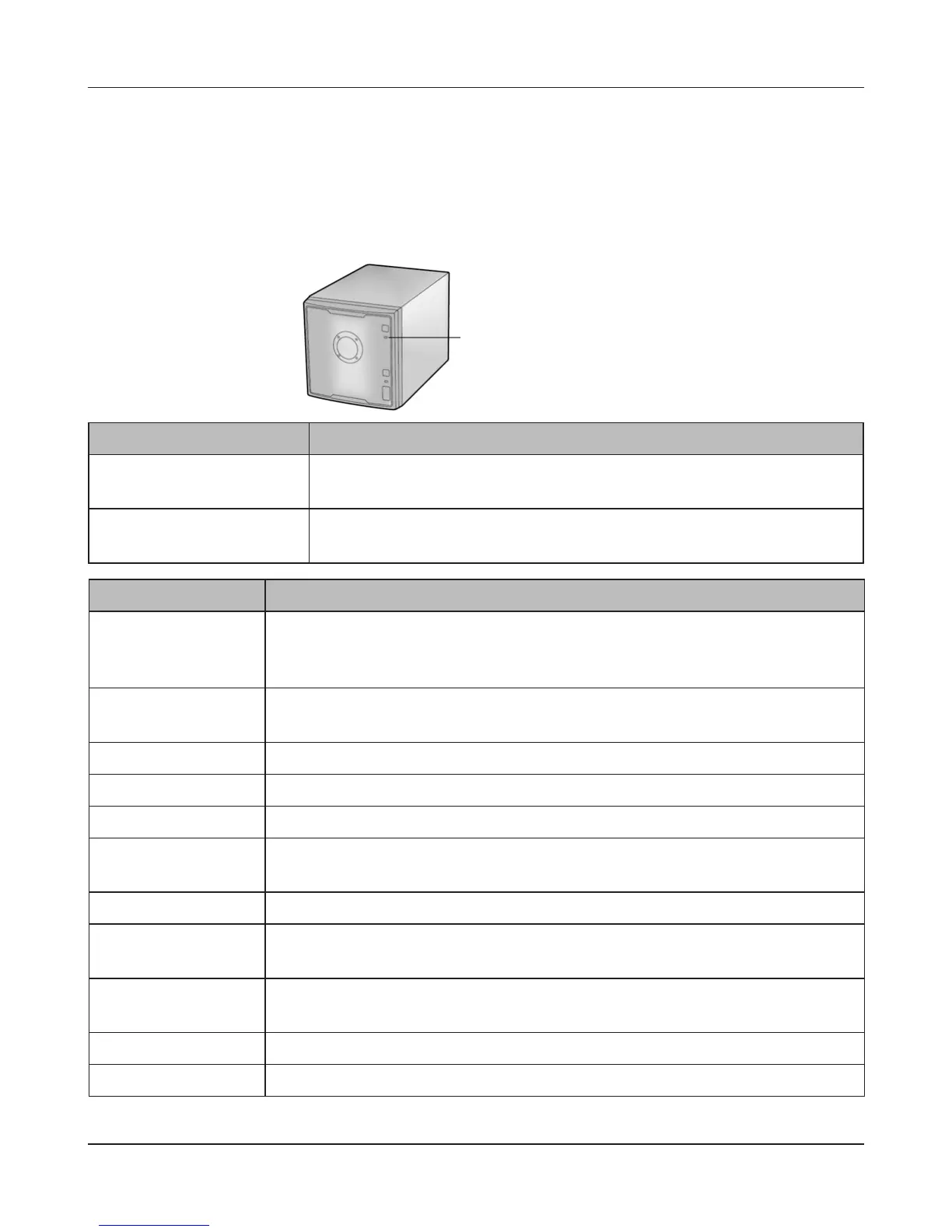
Power LED ashing amber
The Power LED ashes amber with information codes. The way it ashes indicates the message.
Note:
If the Power LED is ashing amber, you can open NAS Navigator2. It will tell you the status of the
LinkStation.
Place Status
10s place The LED illuminates for 1.0 second every 0.3 seconds.
The number of ashes is the tens place of the information code.
1s place The LED illuminates for 0.5 seconds every 0.3 seconds.
The number of ashes is the ones place of the information code.
Information code Descriptions
I10 System temperature has exceeded the maximum safe value. Move the
LinkStation to a cooler location. Do not place objects in the area around the
LinkStation.
I11 The bad sectors in the hard drive may have reached a dangerous level.
Replace the hard drive.
I12 Operating in degraded mode.
I13 Formatting the RAID array.
I14 Checking the RAID array.
I15 Examining the error status of the RAID array. Transfer speeds are slower
during the examination process.
I16 Creating the RAID array.
I17 Resyncing the RAID array. Transfer speeds are slower during the resyncing
process.
I18 Rebuilding the RAID array. Transfer speeds are slower during the rebuilding
process.
I19 Writing 0s to the RAID array, erasing all data.
I20 Checking the hard drive.
Power LED











 To Next Page