Using your LinkStation
LinkStation User Manual 129
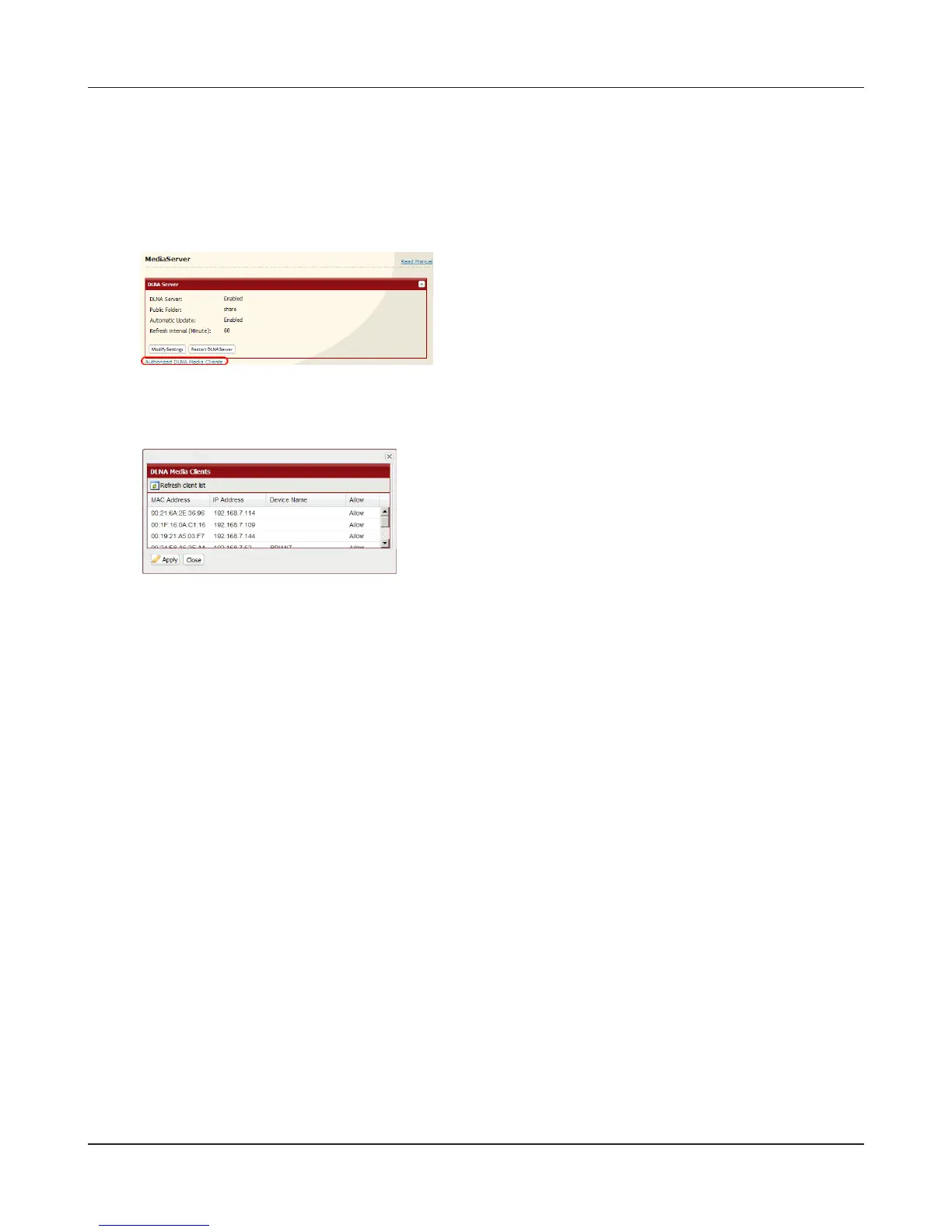
To view DLNA compatible devices connected to the LinkStation:
1
2
A list of DLNA compatible devices on the network
will appear, showing [MAC Address], [IP Address] and
[Device Name].
If a DLNA device does not broadcast its name or IP
address, it will be displayed as [cannot be acquired].
After connecting a new DLNA device to the network, or
changing its settings, click [Refresh client list].
1 In the Web Admin interface, navigate to
[Extensions] - [MediaServer].
2 Click [Authorized DLNA Media Clients].











 To Next Page