Chapter3 NAS Navigator 2
LinkStation User Manual 146
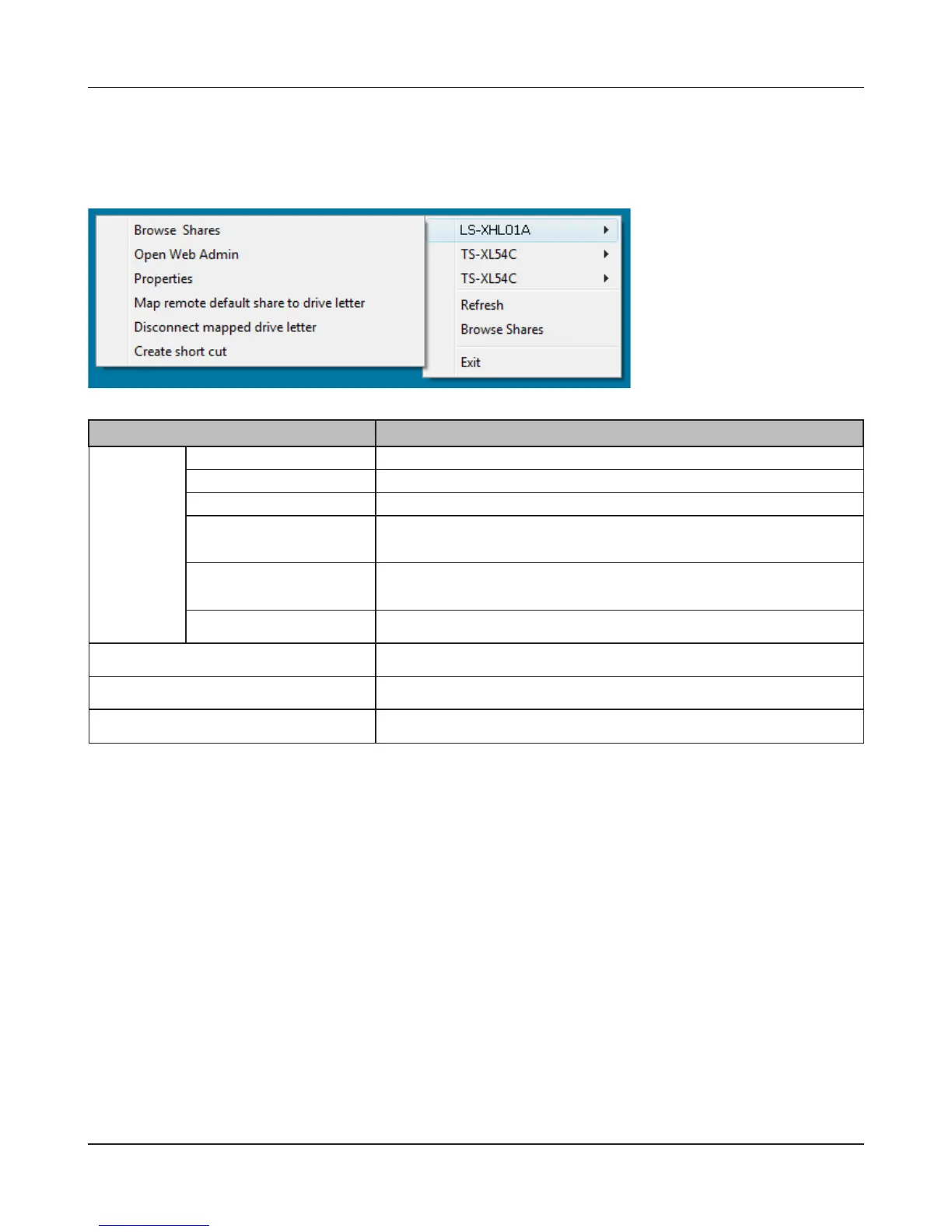
Menu Item Descriptions
LinkStation
Name
Browse Shares Opens the LinkStation’s Share folder.
Open Web Admin Opens the Web Admin interface in a web browser.
Properties Opens the LinkStation’s properties page.
Map remote default
share to drive letter
Assigns the LinkStation’s default share as a network drive.
Disconnect mapped
drive letter
Unmaps the network drive.
Create short cut Creates a shortcut to a LinkStation’s shared folder (share).
Refresh Refreshes list of NAS devices.
Browse Shares Displays NAS Navigator2 window.
Exit Exits NAS Navigator2.
When NAS Navigator2 is minimized to the task tray, you have the following options from its icon.











 To Next Page