Chapter1 Setup
LinkStation User Manual 15
4
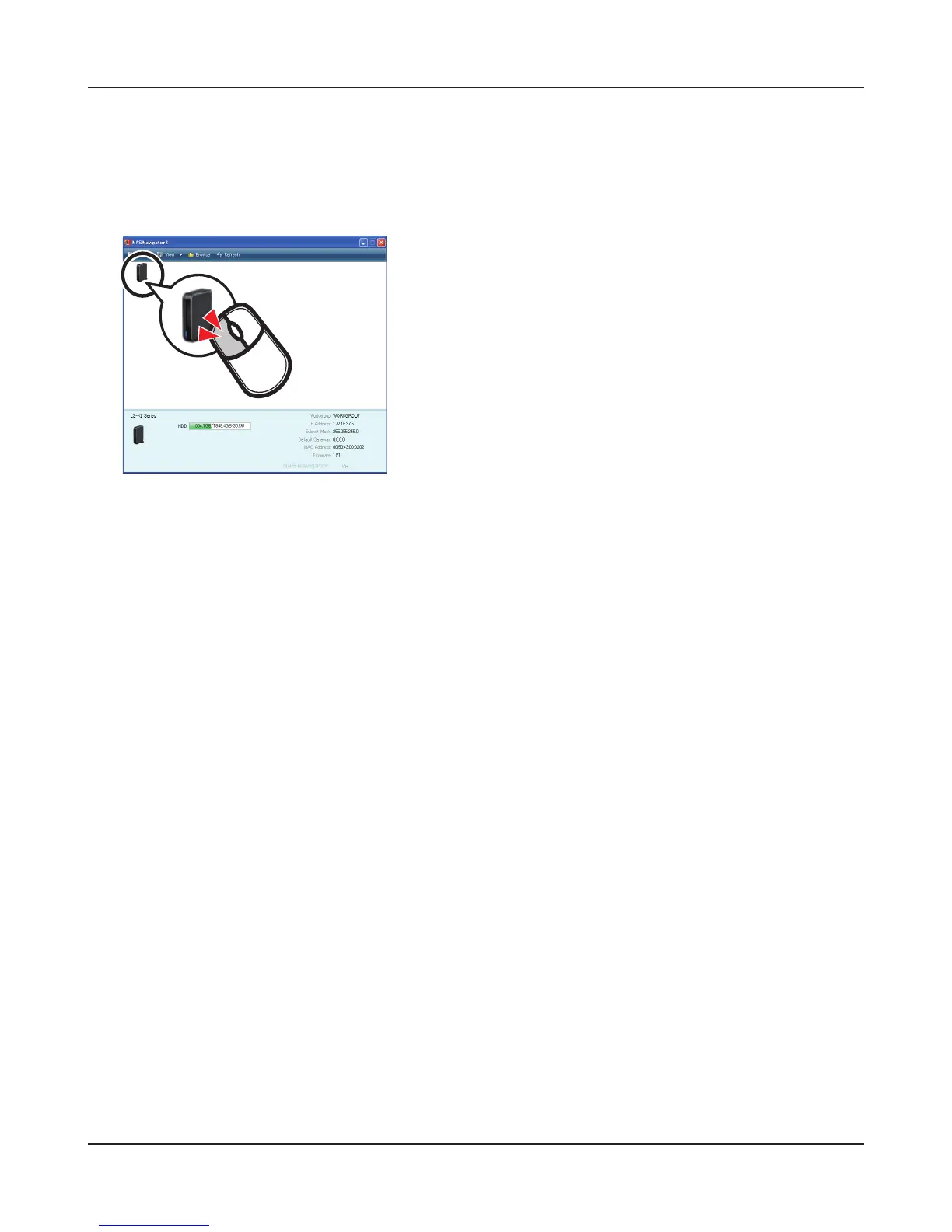
Click [Finish] or [Complete]. NAS Navigator2 starts automatically.
5
You can now use the LinkStation’s shared folder to save les just like any other folder.
Note:
For Mac OS X, the LinkStation is mounted as a drive icon on the desktop, or it is displayed in the
sidebar of the Finder.
Setup is now complete.
In NAS Navigator2, double-click your LinkStation’s icon.
This opens the shared folder of the LinkStation.











 To Next Page