Using your LinkStation
LinkStation User Manual 29
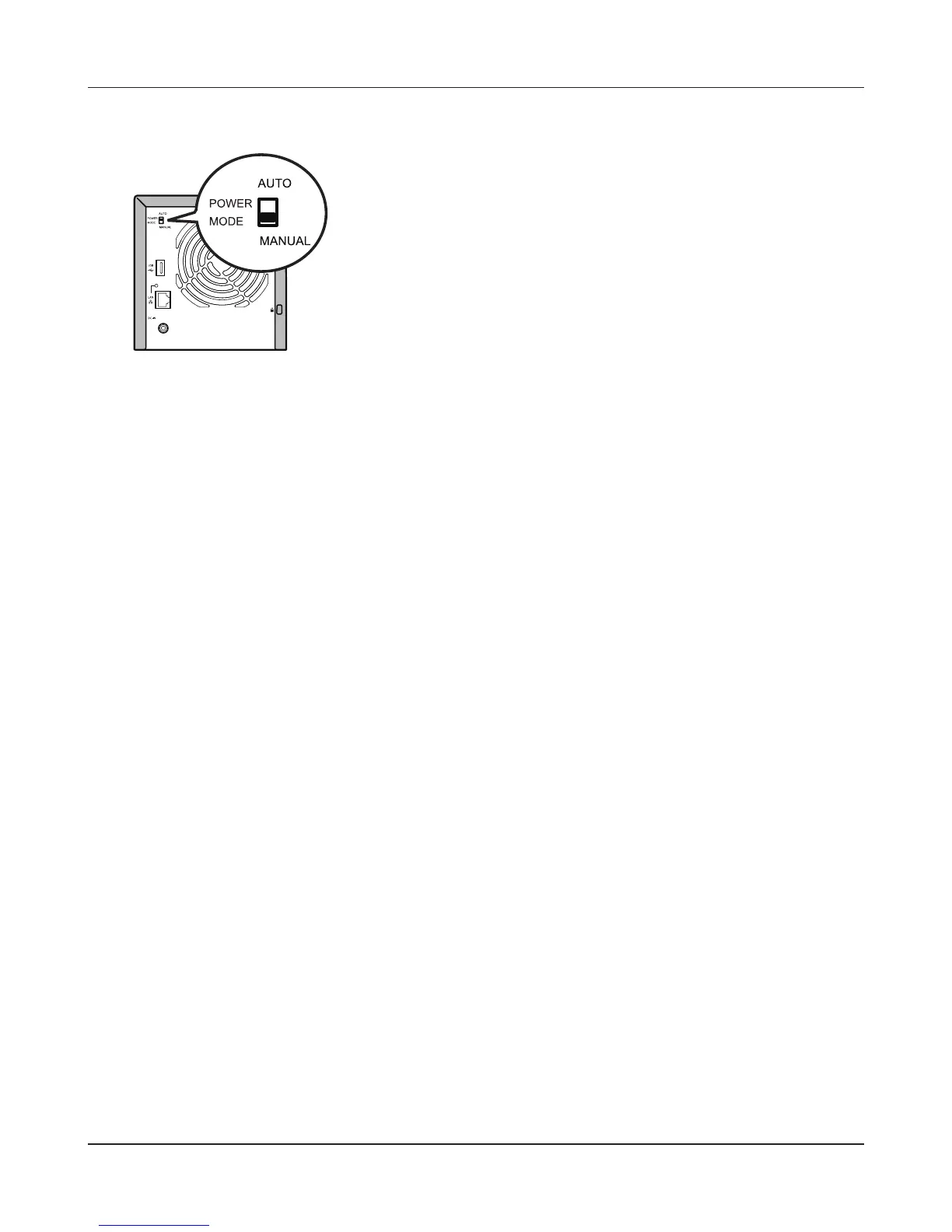
Manual (default):
In this position, the power button on the front of the LinkStation turns it on and o. It is not aected
by the power state of connected computers.
Auto:
In this position, if all connected computers are turned o, the LinkStation will turn o too. If a
connected computer is powered on, the LinkStation will power on too.
Notes:
• After you turn o your computer, it may take several minutes for the LinkStation to shut down.
• When the Power Mode Switch is changed from Auto to Manual or vice-versa, it takes about ve
minutes for the change to take eect.
• Power on the LinkStation before moving the switch to the Auto position.
• Install NAS Navigator2 on all computers that will be accessing the LinkStation before switching to
Auto Power Mode.
• Some networks may not support the Auto Power Mode. If you have problems with it, just use
Manual Power Mode.
LS-QVL











 To Next Page