53
Other setting options
Type ME43
BürkertCommunicator:IndustrialCommunicationcongurationarea
Detailedview Setting
Parameter Protocolsettings
for Modbus TCP
Specify Assistant for checking input and start conditions for büS
communication.
Set StaticIPaddress.
Set Networkmask.
Set Defaultgateway.
MACaddress is displayed.
Advancedsettings Set Internalcycletime.
Activate CommunicationTimeout.
Set Controlmodesettings.
Protocolrmwareupdate
Protocolsettings
for CC-Link
Set CCLinkaddress.
Change SetbaudrateCCLink.
Advancedsettings Set Internalcycletime.
Set Controlmodesettings.
Protocolrmwareupdate
Gateway
conguration
Downloading
agateway
congurationle
Loadcongurationtodevice
Loadgatewaycongurationfromdevice
Restart Restart of the device: The restart is
requiredtoapplytheconguration.
Createagatewayconguration
For a description see chapter “8.4Congurationoftheeldbus
gateway”.
Unitconversion Specify physical unit for the input data and output data of the
PLC.
Hideprocess
values
Edithideobjects
Resethideobjects
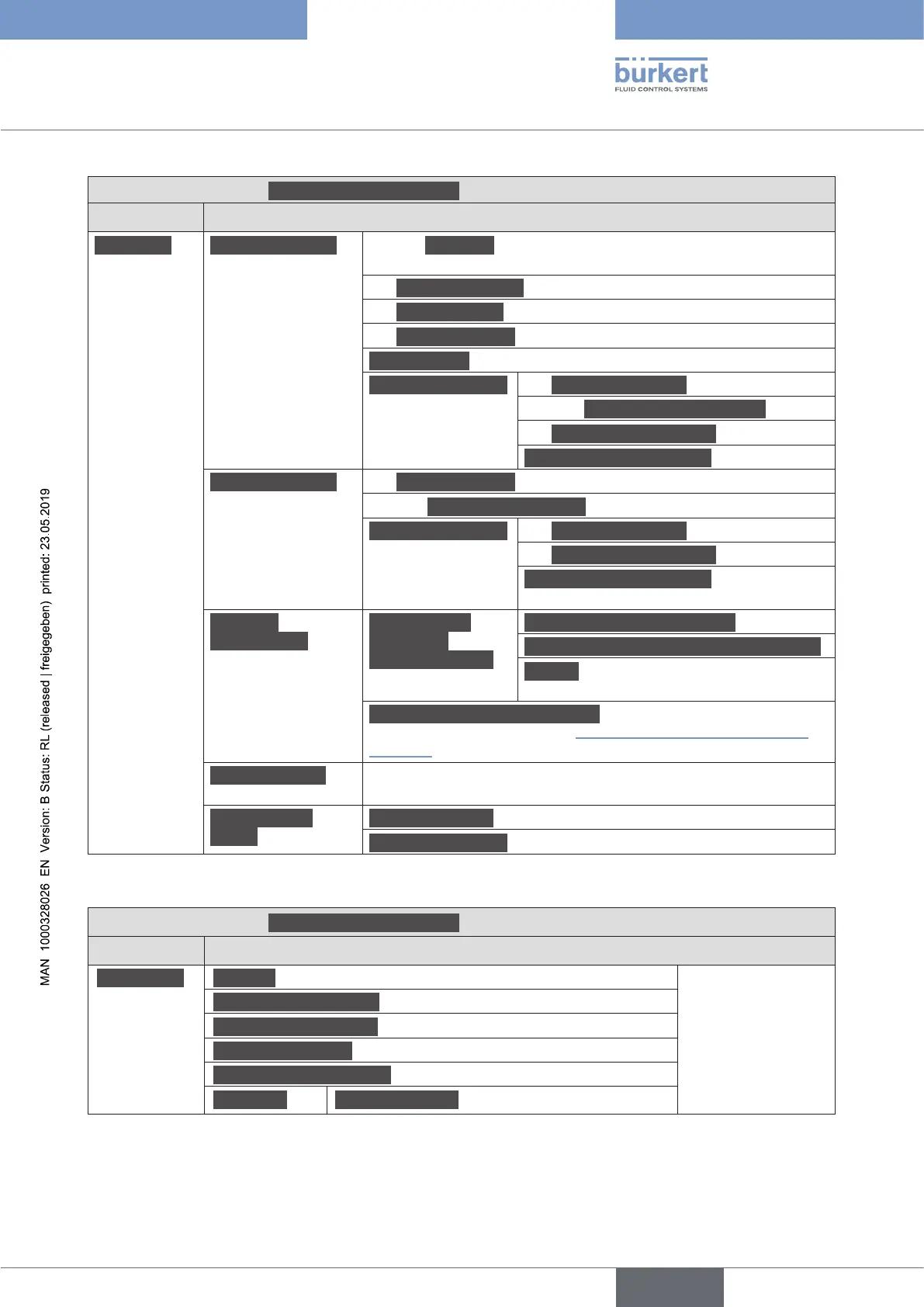
Table 12: Setting options in Bürkert Communicator, Industrial Communication conguration area – parameter
detailed view – view 2
BürkertCommunicator:IndustrialCommunicationcongurationarea
Detailedview Menu
Diagnostics Protocol In these menus the
current values are
displayed, not set.
Communicationstatus
Controlmodesettings
ConnectiontoPLC
Usedinternalcycletime
Advanced Laststatuscode
Table 13: Setting options in Bürkert Communicator, Industrial Communication conguration area – diagnostics
detailed view
english



 To Next Page