User Manual – Rev AJ California Instruments
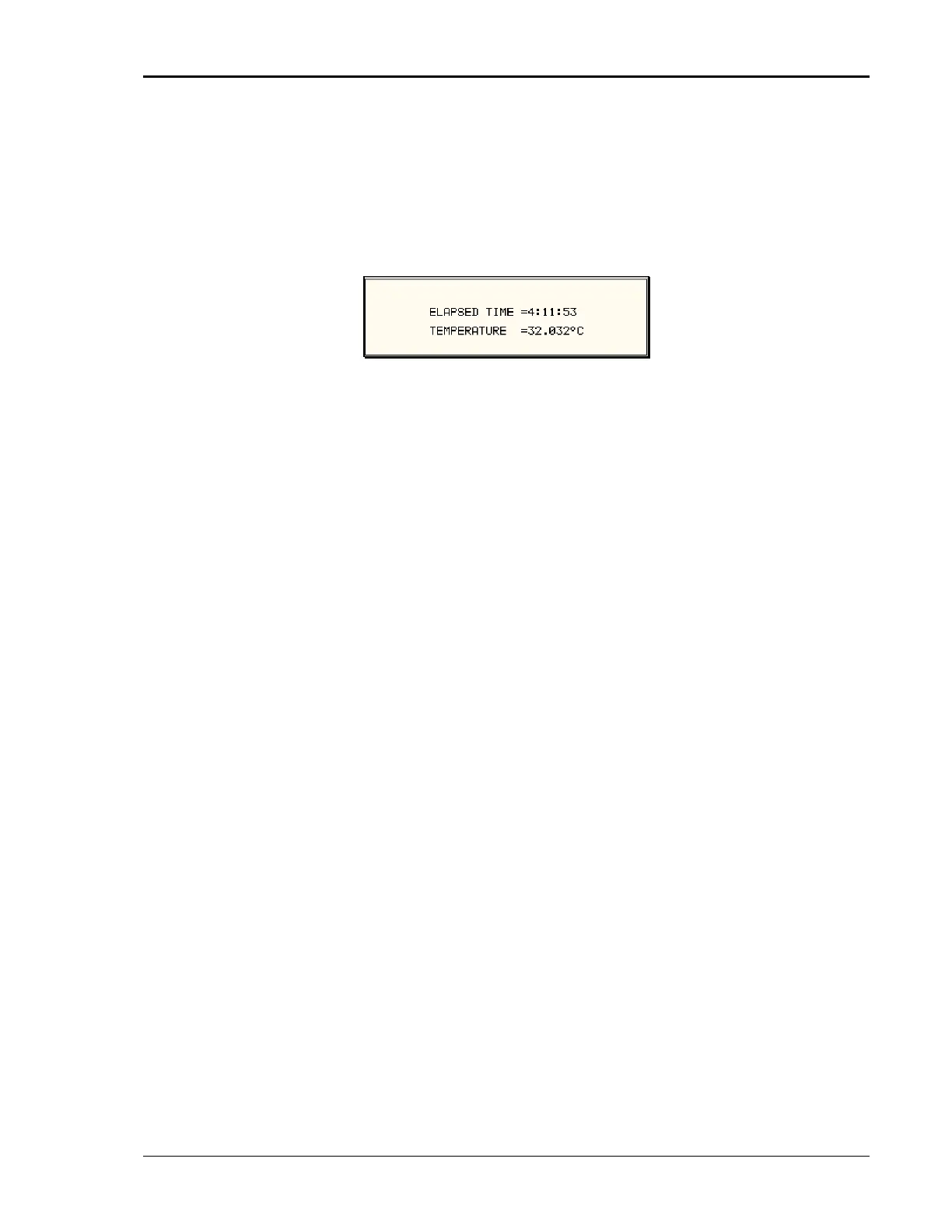
ELAPSED TIME The elapsed time screen, when selected from the UTILITY
r about 3 seconds. The elapsed time shown
is the cumulative amount of time the power source has been on
from its initial build. This value is read only and cannot be
changed by the user.
al AC source ambient
menu, will appear fo
The same screen also displays the intern
temperature in degrees C.
The viewing angle can be used to change the contrast ratio of
the LCD display. The range of the viewing angle parame
from -10 to +10. Setting the right viewing angle is matter of
personal taste. Set this
VIEWING ANGLE
ter is
parameter to a value that is most
comfortable for the user. To save a new viewing angle setting,
change the number to the desired value using the knob or the
keypad and press the ENTER key. The new value will blink. To
save it permanently, press the SET key.
MX Series 107



 To Next Page