User Manual - Rev AJ California Instruments
9.4.6.2 VOLTAGE VARIATION TESTS
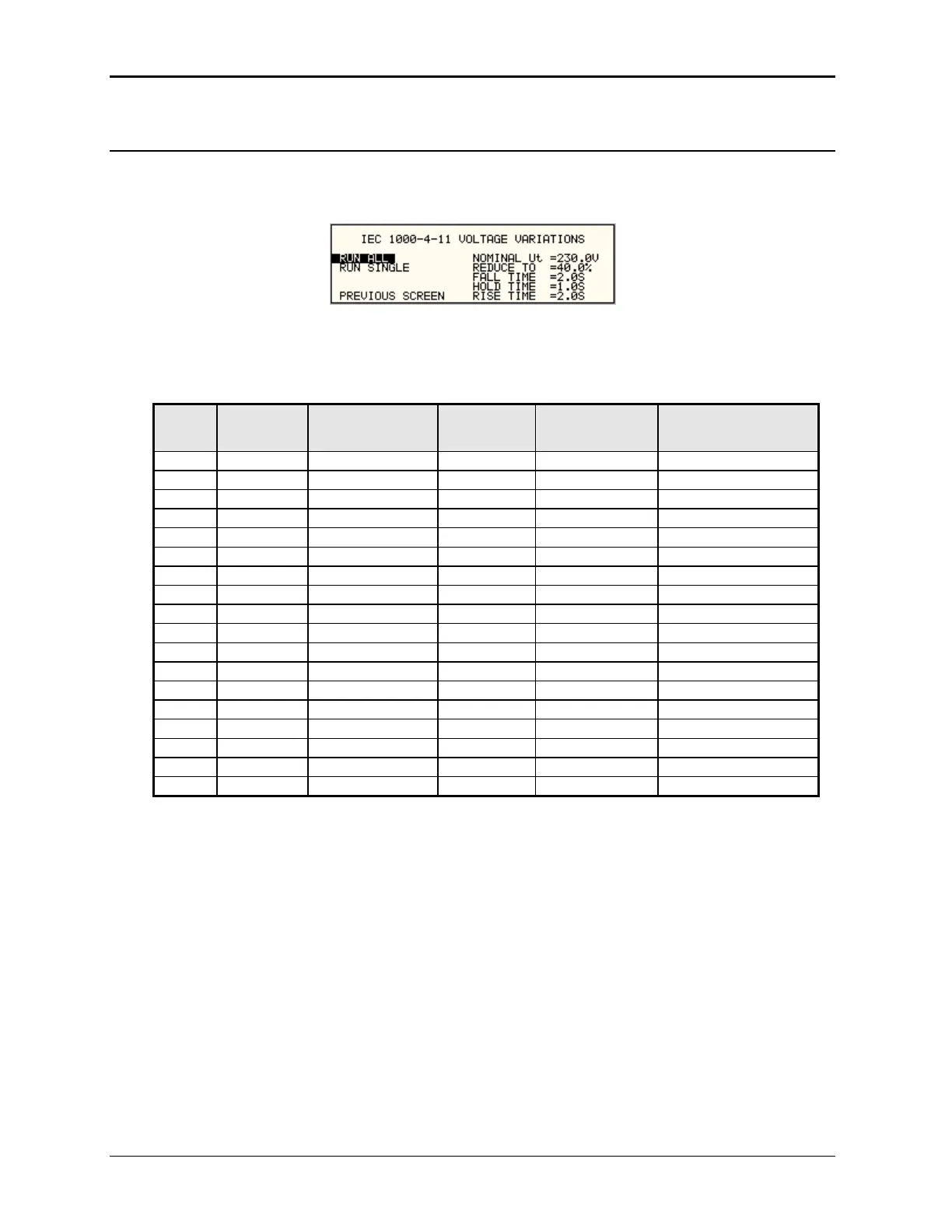
From the IEC1000-4-11 Main Menu screen shown in Figure 9-14, scroll to the VOLTAGE
VARIATIONS entry using the up and down cursor keys. Press the ENTER key to select the
VOLTAGE VARIATIONS menu. The screen will appear as shown in F
igure 9-16.
Figure 9-16: Voltage Variation Screen
L RUN AL
The RUN ALL selection will cause the following automated test sequence suggested by the
standard to be run:
Step Type Start V in % of
U
T
Dwell time End V in % of
U
T
Delay between
steps (s)
1 VSweep 100 2 40 0
2 Hold 40 1 40 0
3 VSweep 40 2 100 10
4 VSweep 100 2 40 0
5 Hold 40 1 40 0
6 VSweep 40 2 100 10
7 VSweep 100 2 40 0
8 Hold 40 1 40 0
9 VSweep 40 2 100 10
10 VSweep 100 2 0 0
11 Hold 0 1 0 0
12 VSweep 0 2 100 10
13 VSweep 100 2 0 0
14 Hold 0 1 0 0
15 VSweep 0 2 100 10
16 VSweep 100 2 0 0
17 Hold 0 1 0 0
18 VSweep 0 2 100 10
Table 9-20: Voltage Variations Test Performed During RUN ALL
The user can change the NOMINAL Ut voltage for this test. The RUN ALL Command line will
change to ABORT during the test. Selecting ABORT and pressing the ENTER key will terminate
the test at any time and the output voltage will return to the nominal value.
MX Series
210



 To Next Page