User Manual - Rev AJ California Instruments
8. Transient Frequency low and high test
9.6.1.4.2 EMERGENCY TEST
AC Mode:
1. Emergency Voltage minim
test
D M
1 Emergency Voltage minimum and maximum test
9.6.1.4.3 BN
AC Mode:
1. Abnormal Voltage under
normal Voltage over
4. Abnormal Frequency under
9.6.1.5 Front Panel Entry
DC Mode:
1. Steady State Voltage test
2. Ripple test
um and maximum test
2. Emergency Frequency minimum and maximum
C ode:
.
A ORMAL TEST
2. Ab
3. Abnormal Frequency under
DC Mode:
1. Abnormal Voltage under
2. Abnormal Voltage over
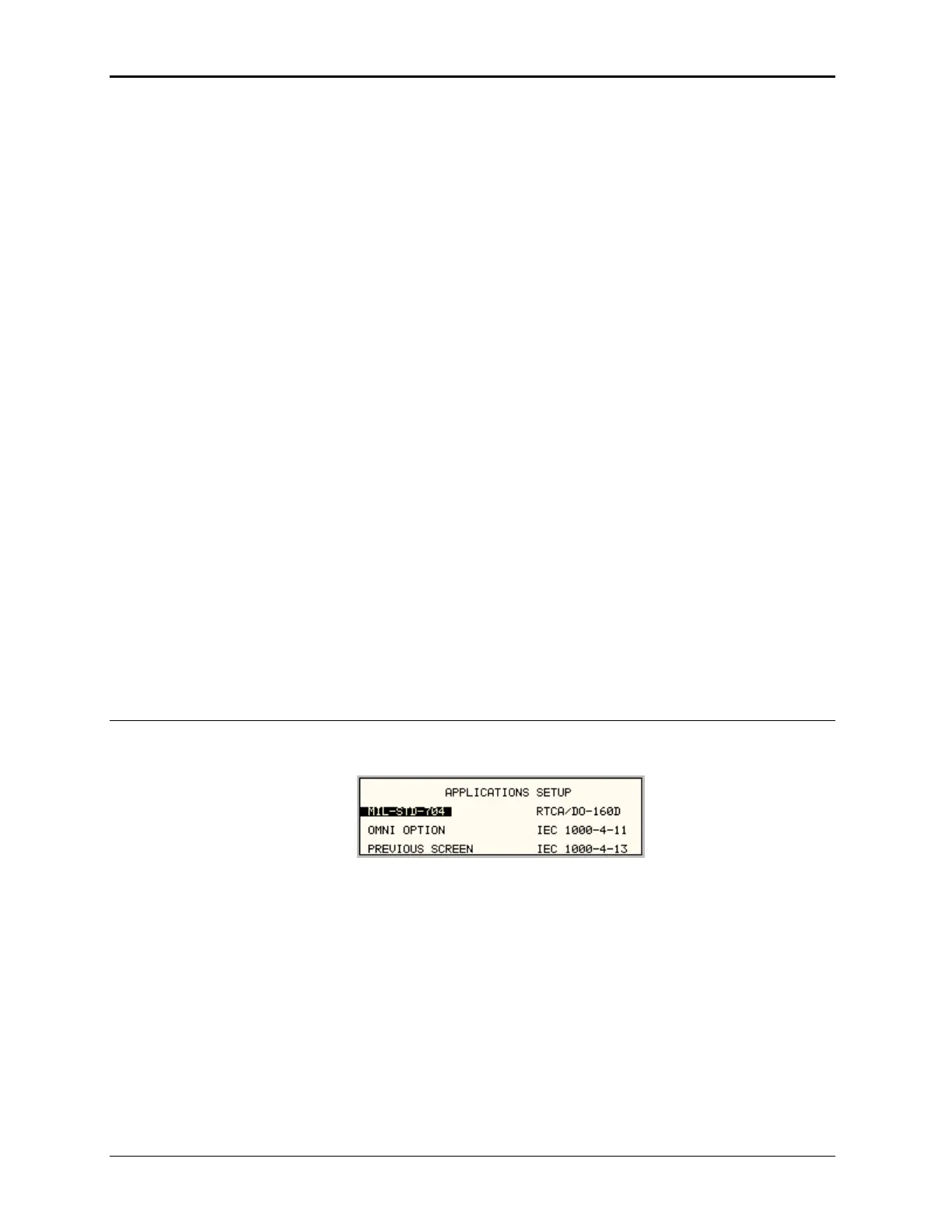
To perform a test from the keyboard, from the MENU 2 screen, select the APPLICATIONS
screen. The APPLICATIONS screen will appear as shown in Figure 9-32.
Figure 9-32: Application Menu
Scroll to the MIL-STD-704 entry using the up and down cursor keys. Press the ENTER key to
s shown in Figure 9-33. The
voltage mode and setting will define which menu to select. Refer to Section 9.6.1.2
nd set the steady state
select the MIL704 main menu. One of the screens will appear a
Note:
The user has to turn on the Output relay before starting a test a
setup for the test.
MX Series
226



 To Next Page