User Manual - Rev AJ California Instruments
LOW VOLTAGE
This test will change the output voltage for the selected phase in the following sequence:
2. 270V System
200V for 10 msec.
The
key (backspace) will terminate the test at any time.
9.6.1.8.3 Abnormal T
From IL7 roll to entry u cursor
keys. Press the ENTER key to select reen. T
show igu
1. 28V System
18V for 15 msec.
Linearly increase to 22V in 85msec.
Stay at 22V for 75msec before returning to 28V.
Linearly increase to 250V in 30msec.
Stay at 250V for 135msec before returning to 270V.
est
the M 04 DC MENU sc the ABNORMAL DC
the ABNORMAL sc
sing the up and down
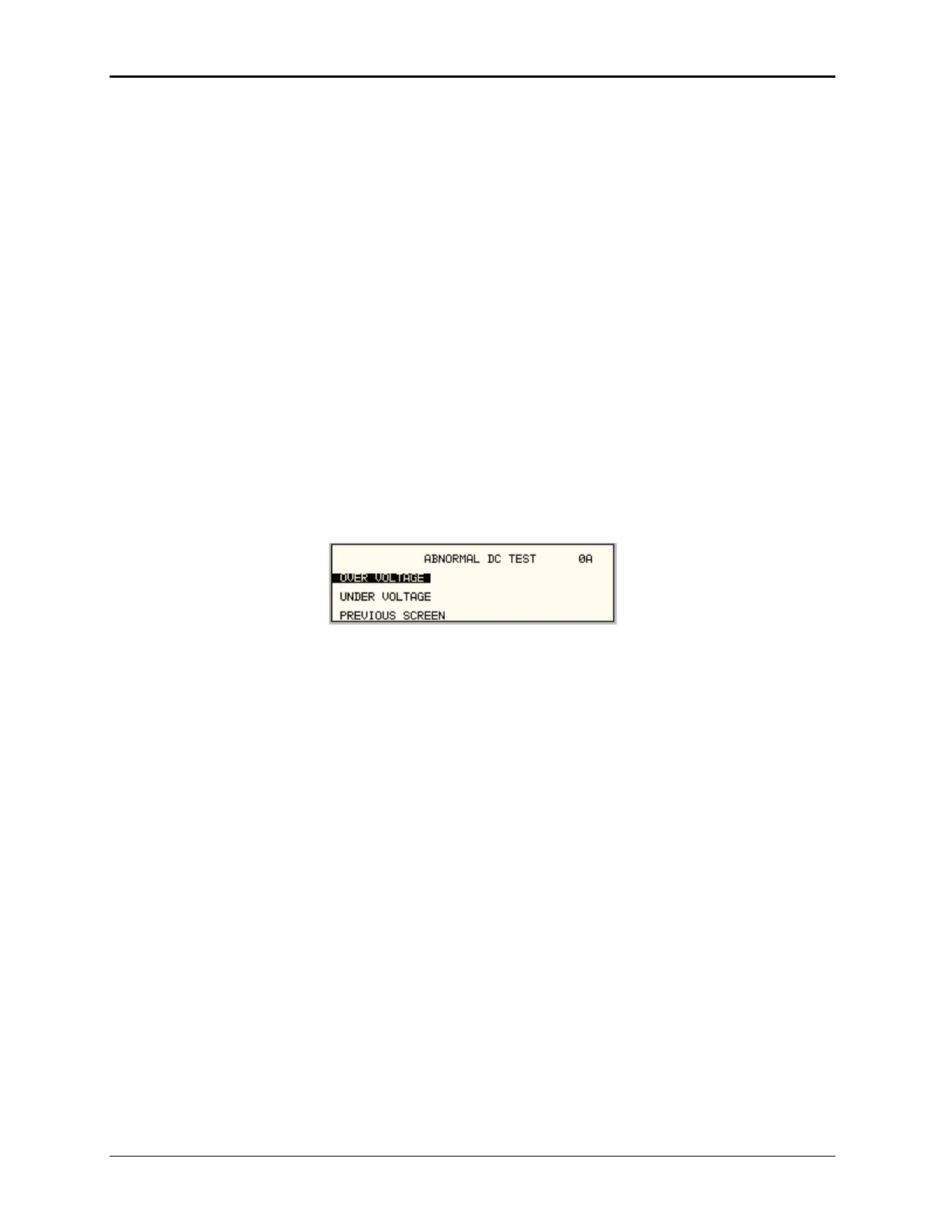
he screen will appear as
n in F re 9-41.
F
l Test has
igure 9-41: Abnormal T
The Abnorma the following
1 R V
2 UNDER VOLTAGE
The above tests can be selected by scrolling to the highlighted selection using the up and down
cursor keys and the ENTER key to start the selected test.
OVER VOLTA
This ill c ltage for the selected phase in
1. 28V system:
50V for 50msec.
T ltag ith time to 31.5 volts by the fo
V = 31.38 + 0.93/t. for 0.05
t 7.758
Stay at 31.5V for 92.242 seconds before returning to 28V.
2. 270V system:
3 for 5
The voltage gradually decays with time to 290 volts by the following equation:
V = 289.6 + 3.02/t. for 0.05
t 7.55
Stay at 290V for 92.45 seconds before returning to 270V.
est Screen
tests:
OVE OLTAGE
GE
test w hange the output vo the following sequence:
he vo e gradually decays w llowing equation:
50V 0msec.
MX Series
234



 To Next Page