217
P
Multiple Exposures
N
Before you finish shooting the set
number of exposures, you can press the
<
x
> button to check the current
exposure level, overlap alignment, and
overall effect of the merged multiple-
exposure image.
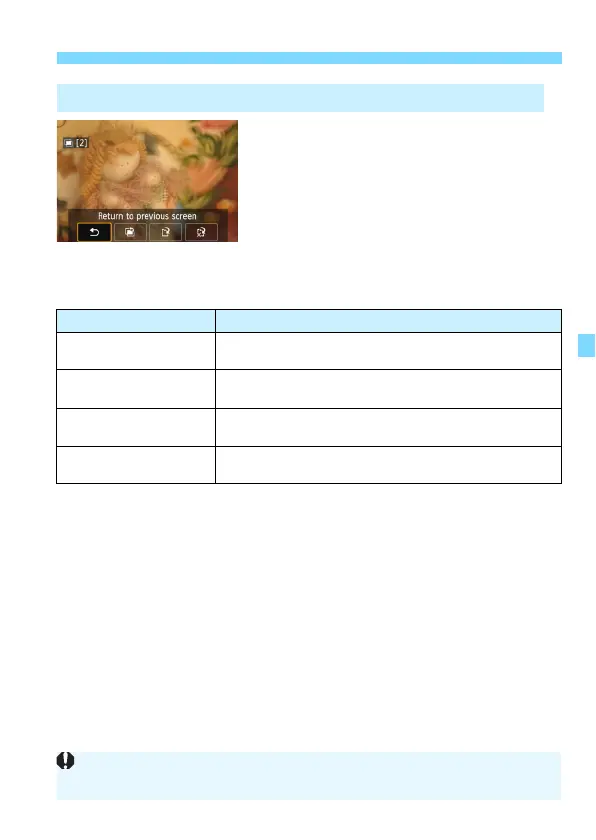
If you press the <
L
> button, the
operations possible during multiple-
exposure shooting will be displayed.
Checking and Deleting Multiple Exposures During Shooting
Operation Description
q Undo last image
Deletes the last image you shot (shoot another image).
The number of remaining exposures will increase by 1.
W Save and exit
The images shot so far will be merged and saved as a
multiple-exposure image.
r Exit without saving
Multiple-exposure shooting will exit without saving the
images shot.
2 Return to previous
screen
The screen before you pressed the <L> button will
reappear.
During multiple-exposure shooting, you can only play back multiple-exposure
images.


 To Next Page