247
Wireless Flash Photography
N
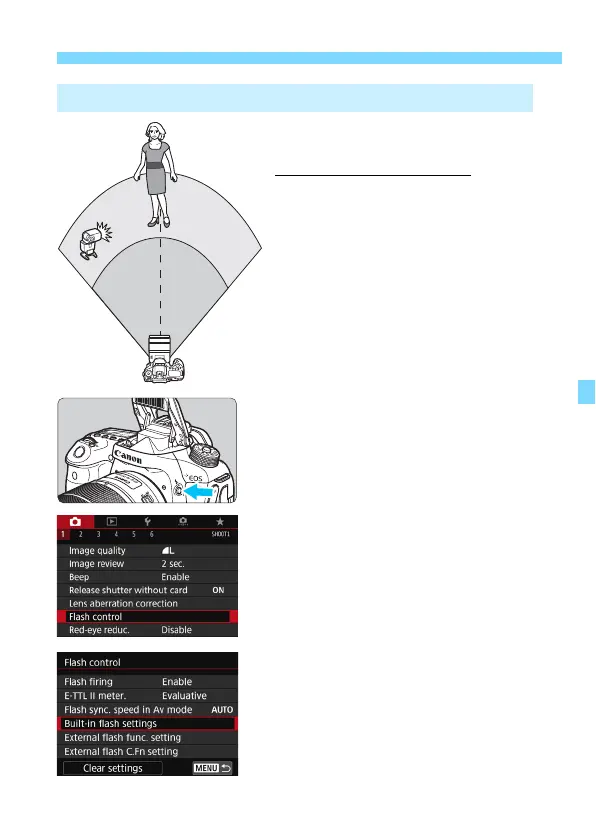
This shows the most basic setup for
fully-automatic wireless flash shooting
with one external Speedlite.
Steps 1 to 4 and 6 apply to all
wireless flash shooting. Therefore,
these steps are omitted in other
wireless flash setups explained on
the pages hereafter.
On the menu screens, the <
0
> and
<
1
> icons indicate the external
Speedlite, and the <
3
> and <
2
>
icons indicate the built-in flash.
1
Press the <I> button to raise the
built-in flash.
For wireless flash shooting, be sure
to raise the built-in flash.
2
Select [Flash control].
Under the [
z
1
] tab, select
[Flash
control
].
3
Select [Built-in flash settings].
Fully Automatic Shooting with One External Speedlite


 To Next Page
 Loading...










