3
Menu Function Settings
332
Video snapshot
You can shoot video snapshots. For details, see page 333.
Time-lapse movie
You can shoot time-lapse movies. For details, see page 319.
Remote control shooting
When [
Enable
] is set, you can start or stop movie shooting using
Remote Controller RC-6 (sold separately, p.221). [
R
] will be
displayed on the LCD panel. Set the release mode switch to <
2
>,
then press the transmit button. If the switch is set to <
o
> (immediate
shooting), the [
V
btn function
] setting will be applied.
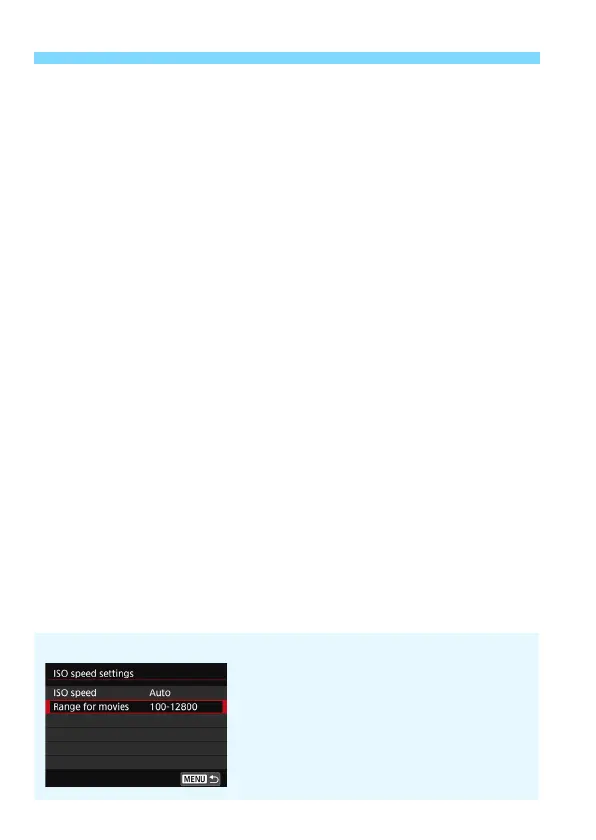
ISO Speed Menu During Movie Shooting
When the Live View shooting/Movie shooting
switch is set to <k>, the corresponding setting
in [z2: ISO speed settings] will change to
[Range for movies].



 To Next Page