5
5
5-12
5-12
Adjustment > Basic Adjustment > Adjusting the Bias Line of Saddle Delivery Paper > Adjustment
Adjustment > Basic Adjustment > Adjusting the Bias Line of Saddle Delivery Paper > Adjustment
Initializing the RAM on Finisher
Perform the Initialization in the case of the following.
- When an EEPROM error (505-01) occurred.
CAUTION:
When this mode is carried out, all counter information is erased, and adjustment value
becomes the initial value.
1) Turn off the host machine.
2) Remove the rear cover of nisher.
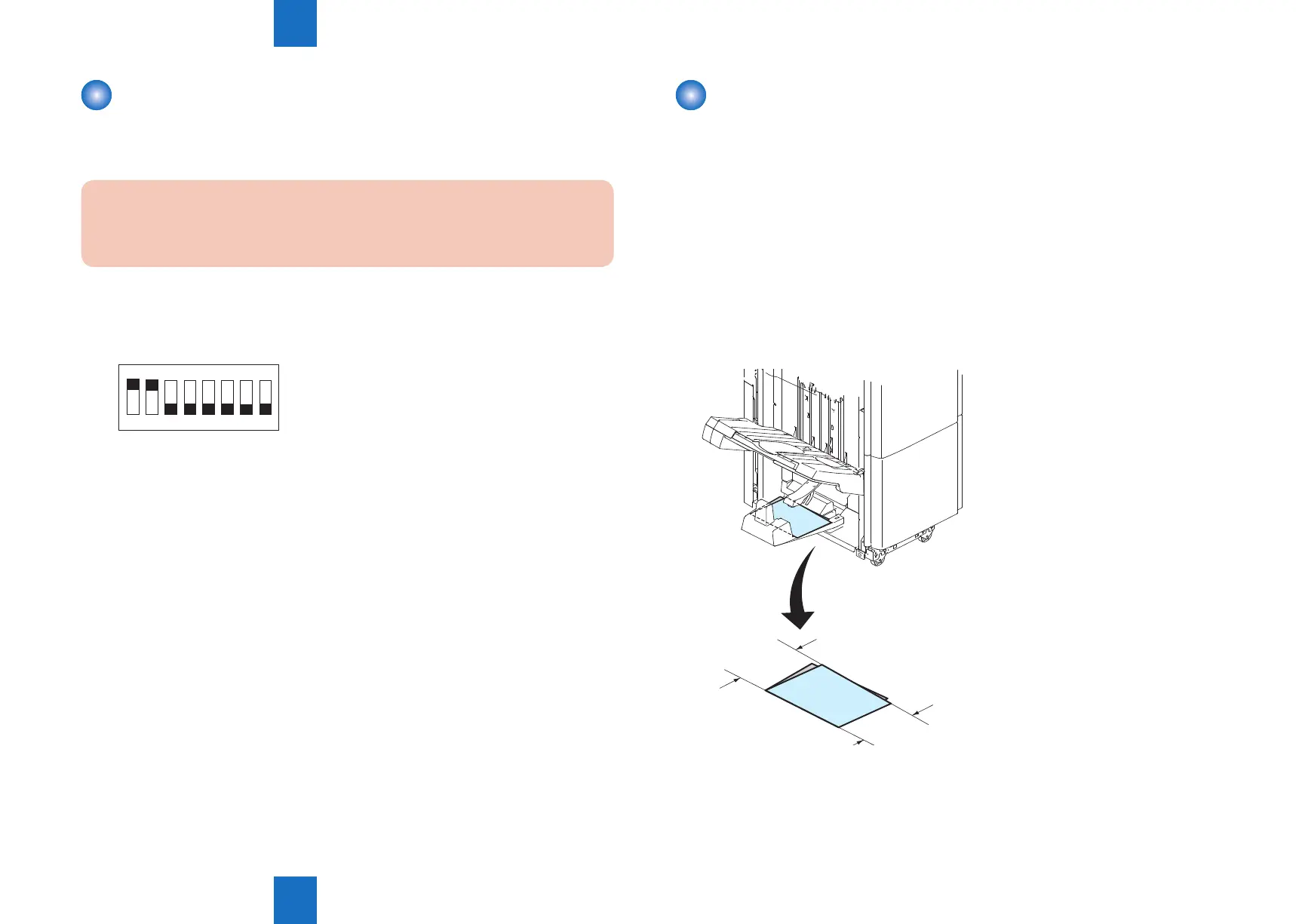
3) Set the bits of DSW1 on the nisher controller PCB as follows:
ON
1 2 3 4 5 6 7 8
4) Turn on the host machine.
5) Push PSW2 and PSW3 on the nisher controller PCB at the same time more than three
seconds.
6) When initialization is completed, LED blinks at intervals of 1 sec.
7) Turn off all bits of nisher controller PCB DSW1.
8) Turn off the power of the host machine and install the rear cover of nisher.
F-5-18
Adjusting the Bias Line of Saddle Delivery Paper
■
Overview
Perform the following adjustment if the folding accuracy in the saddle unit is out of the
specication.
■
Adjustment
●
Checking the folding accuracy
1) Make test copies in the following conditions:
* 2 sheets
* A3 or 11"x17" (279mm x 432mm)
* Stack-folding mode
2) Check if L1-L2 is within +/-1.0mm Calling the folded stack "A-fold" when L1>L2. (A-fold)
F-5-19



 To Next Page