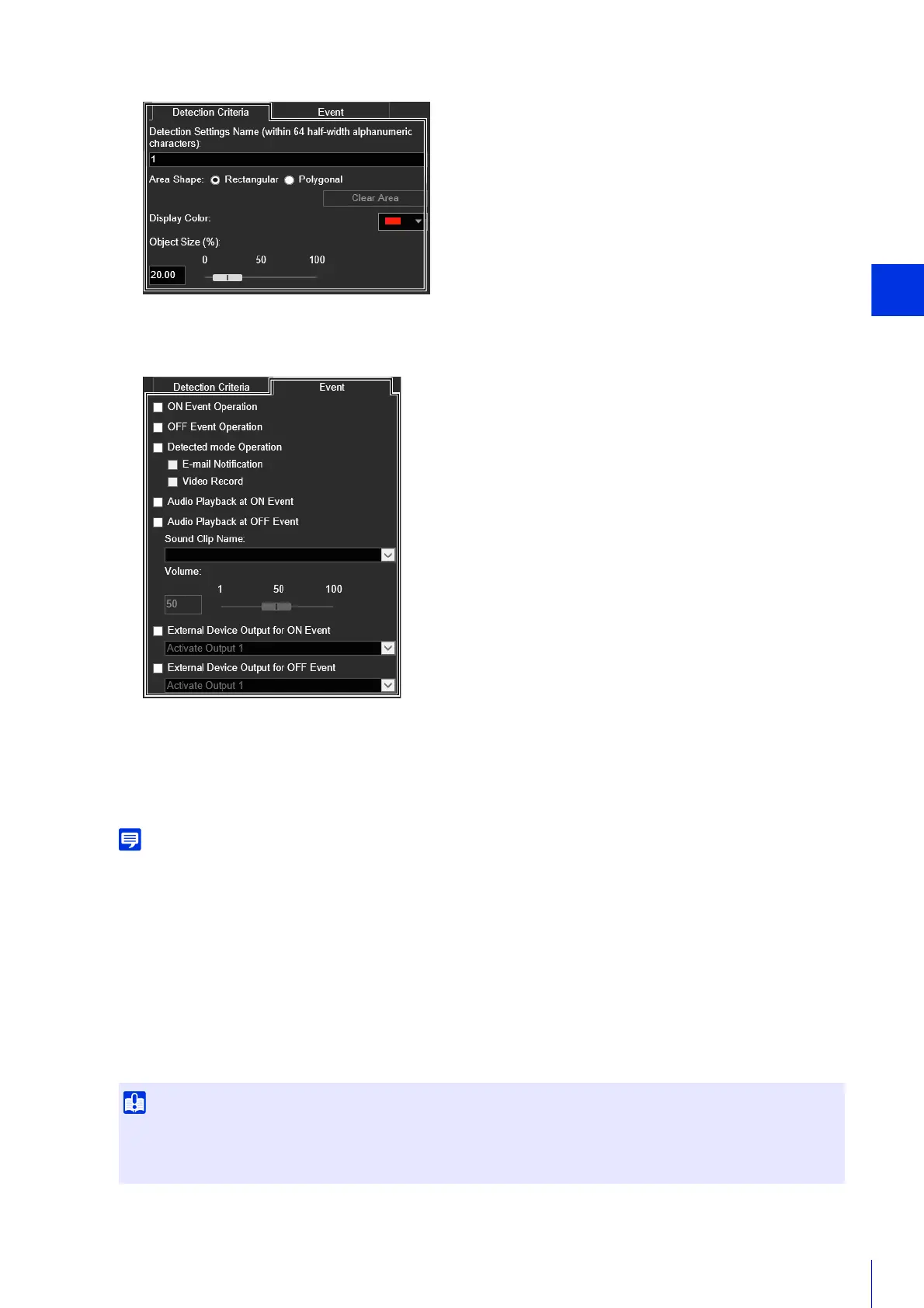
Setting Page
177
the detection type.
Set which operations to carry out for video detection in the [Event] tab (P. 197).
The settings are saved to the camera.
To restore settings, click [Clear] before applying. This discards the settings you have specified and restores the settings saved in
the camera. However, note that detection settings only added to the detection setting area by clicking [Add] are all discarded.
You can check the detection status of the specified detection settings in video display area, the [Event] column in
[Detection Settings] or the [Event and Input/Output] menu in the Camera Viewer (P. 84).
Setting a Non-Detection Area
You can set an area where changes are not detected, to prevent mis-detection and non-detection.
6
Configure event settings.
7
To register multiple detection settings, repeat steps 2 to 6.
8
Click [Apply].
9
Check the detection result.
• The non-detection area set in the non-detection area settings is reflected in all detection settings.
• If the area in the detection settings and the area in the non-detection area settings overlap, the non-detection settings are
prioritized.



 To Next Page