178
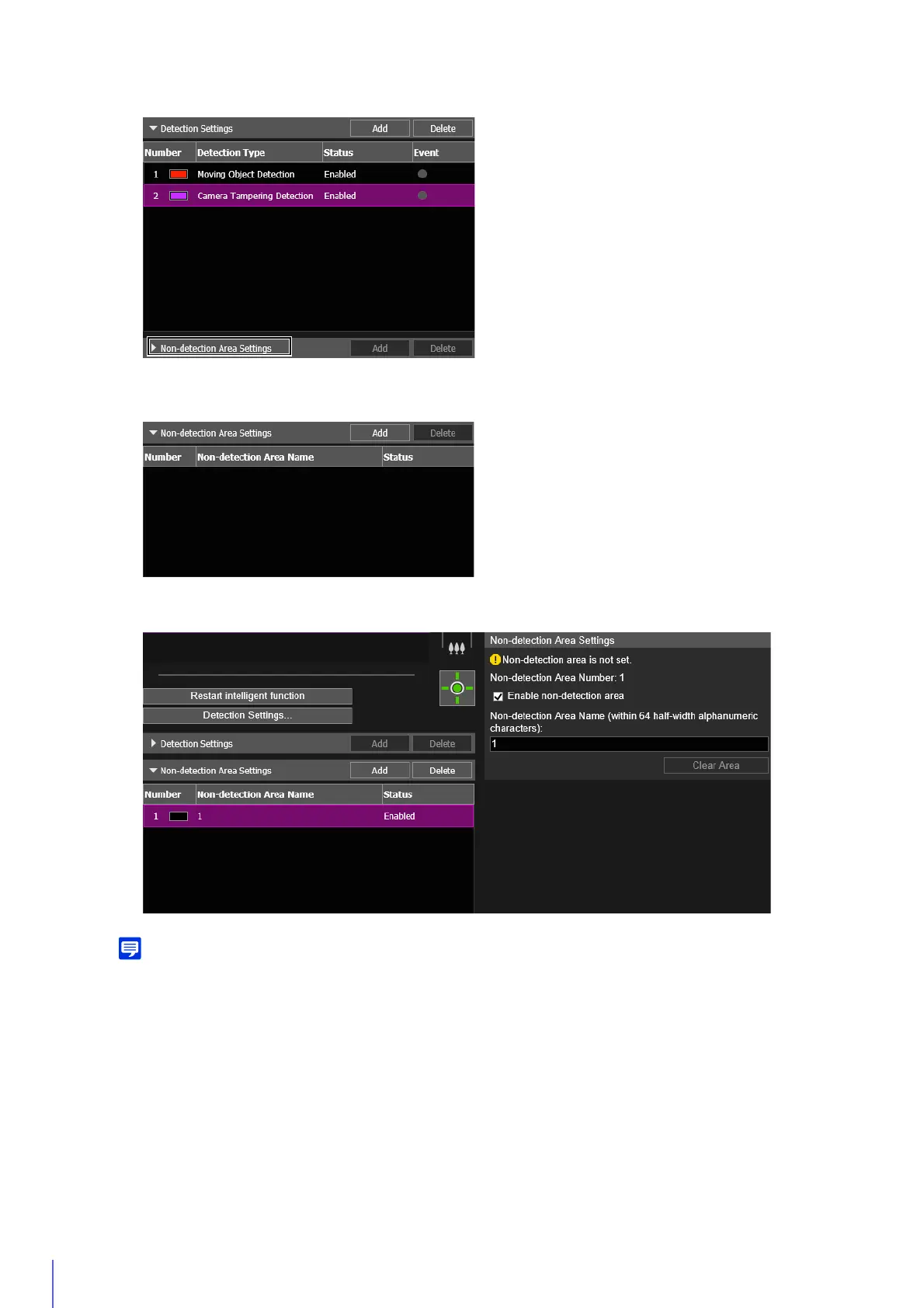
The non-detection area settings added in [Non-detection Area Settings] are displayed and [Enable non-detection
area] is selected.
• Up to five non-detection area settings can be registered.
• To disable non-detection area settings, clear the [Enable non-detection area] checkbox.
• To delete non-detection area settings, select the non-detection area settings to delete and click [Delete] in Non-detection Area
Settings (List).
Click the mouse to create a polygon. For information on the creation method, please refer to “Using [Polygonal]”
(P. 180).
1
Click [Non-detection Area Settings] to display the list of non-detection area settings.
2
Click [Add].
3
Set a non-detection area in the video display area.



 To Next Page