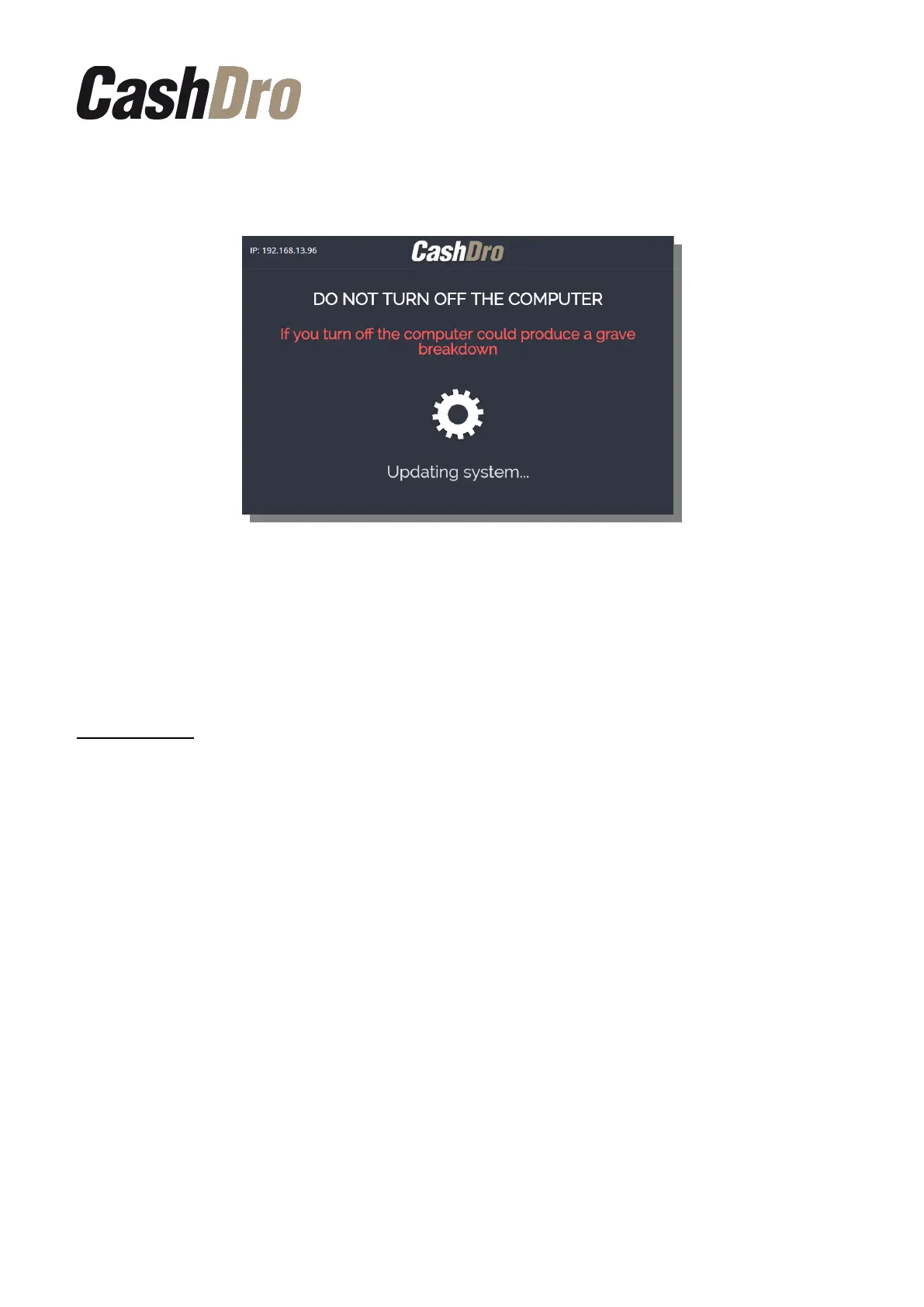
Finally, press the button “Update CashDro” to run the update process. During the process is
displayed the following screen where is shown in all moment the updating progress.
During downloading process, appears in the upper right corner of the screen an icon to
access to Emergency system, who allows reset machine and reset service in case of the
uploading has been stopped.
The update includes the update of the software followed by the update of the firmware of the
devices. Afterward it is not necessary to make any firmware update manually.
IMPORTANT: DO NOT TURN OFF CASHDRO DURING THE UPDATE PROCESS.
IF YOU TURN OFF CASHDRO COULD PRODUCE A SERIOUS BREAKDOWN.
Software update | 11



 To Next Page