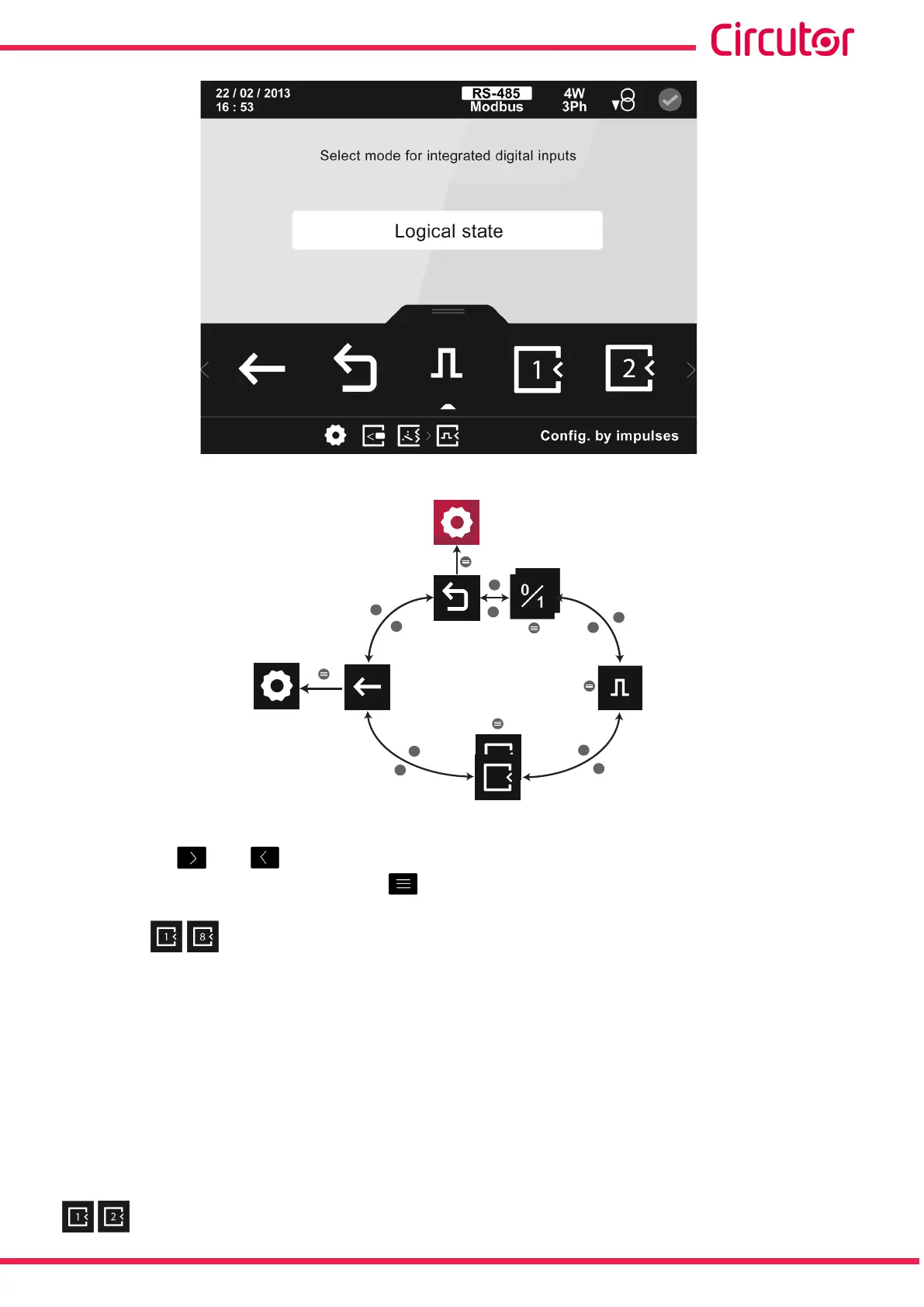
Figure 337: Main conguration screen for relay digital inputs.
>
>
>
>
>
<
<
<
<
<
8
1
1
Impulsos
Main
menu
Back
Mode
Digital
inputs 1...8
Figure 338: Setup menu : digital inputs�
Use the keys and to select the different options.
To conrm the selection, press the key .
7�2�3�1�1�- Conguration of a digital input, impulse mode.
When selecting the conguration of digital inputs in impulse mode, you can program the
following parameters:
The input name.
The units.
The decimals.
The energy meter factor.
The conguration of a digital input in impulse mode in the expansion modules is the same as
the conguration of the digital inputs in impulse mode integrated in the device, see “5.7.18.2.-
Conguration of digital inputs, impulse mode.”
269
Instruction Manual
CVM-A1000 - CVM-A1500














 To Next Page