EasyManua.ls Logo

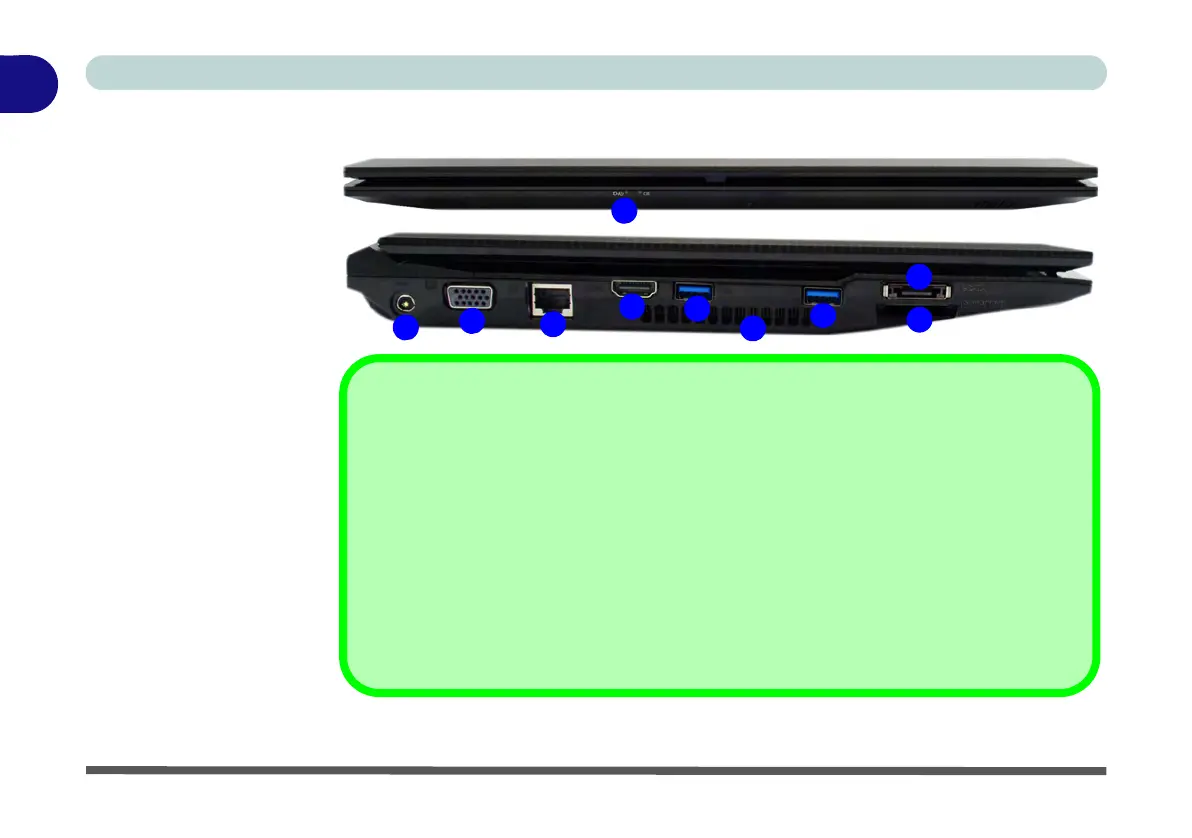
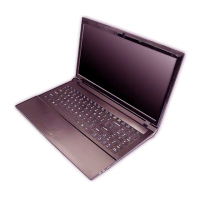
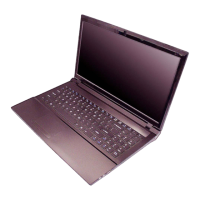
Clevo W251EFQ - Front & Left Views - Models A;C

Clevo W251EFQ
346 pages
Print Icon
To Next Page IconTo Next Page
To Previous Page IconTo Previous Page
Loading...
1 - 14 Front & Left Views - Models A/C
Quick Start Guide
1
Front & Left Views - Models A/C
Figure 1 - 7
Front & Left Views
Models A/C
1. LED Power Indica-
tors (see
Table 1 -
2, on page 1 - 9)
2. DC-In Jack
3. External Monitor
Port
4. RJ-45 LAN Jack
5. HDMI-Out Port
6. 2 * USB 3.0 Ports
7. Vent/Fan Intake
8. e-SATA Port
9. Multi-In-1 Card
Reader
2
7
4
1
8
3
Multi-In-1 Card Reader
The card reader allows you to use the most popular digital storage card formats:
MMC (MultiMedia Card) / RS MMC
SD (Secure Digital) / Mini SD / SDHC / SDXC
MS (Memory Stick) / MS Pro / MS Duo
USB 3.0 Port OR USB 2.0 Port
USB 3.0 ports are denoted by their blue color; USB 2.0 ports are colored black. Note that
the USB 3.0 port requires a driver installation (see “USB 3.0 (Win 7 Only)” on page 4 -
7) for Windows 7 (no driver is required for Windows 8) and is not operational under DOS.
9
5
6
6


Table of Contents

Other manuals for Clevo W251EFQ

Related product manuals