Horizon Start Manual 7-5
Preventive Maintenance
8. Using the print head cleaning wipe provided with the imager’s
cleaning kit, carefully wipe back and forth along the entire
length of the print bead line with moderate pressure. The
cleaning wipe may become discolored. Repeat the back and
forth motion until the print bead is completely clean.
9. Clean any dust or other contaminants from the nosepiece.
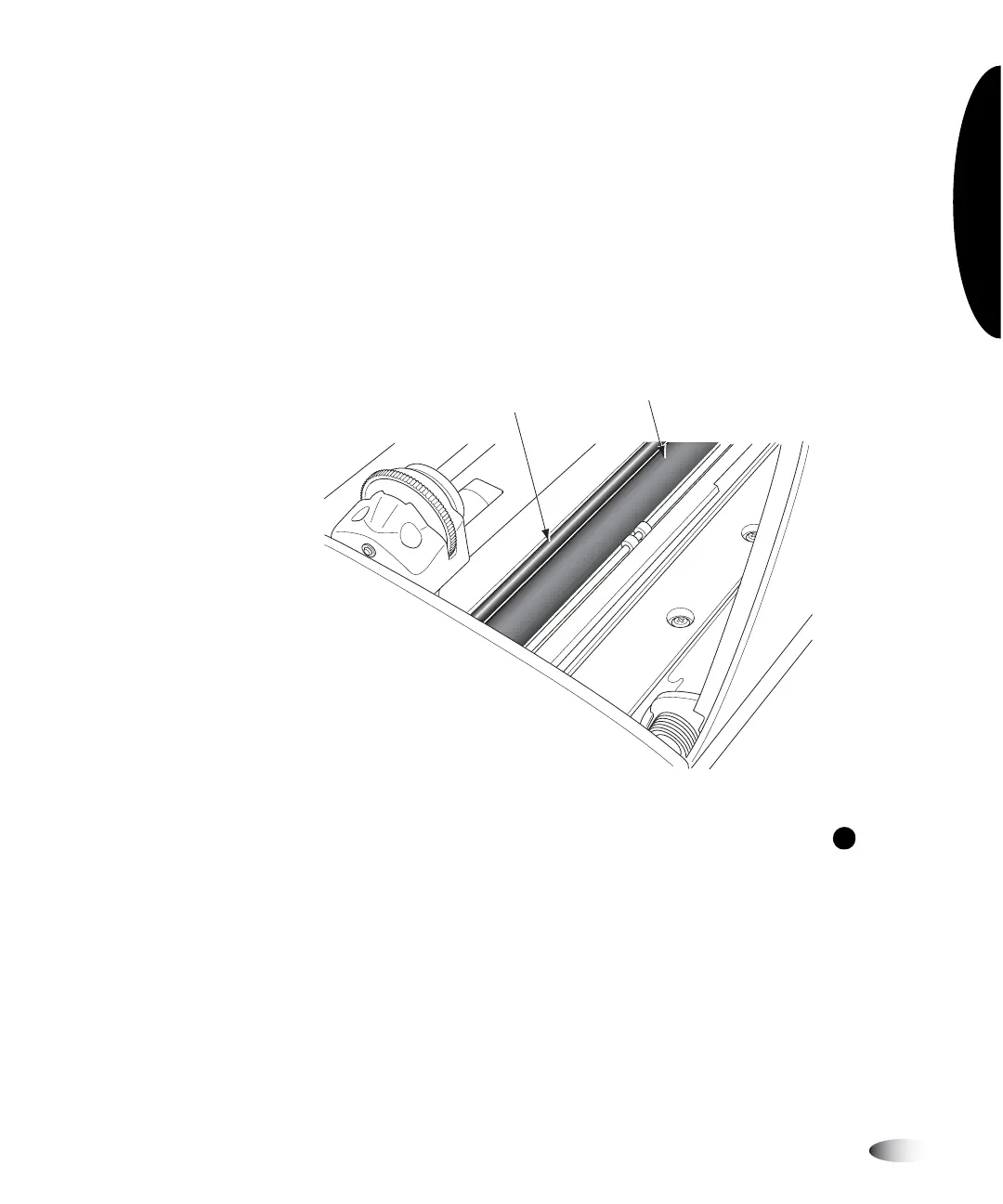
10. Looking in from the side of the imager, locate the orange or
white platen roller and donor guide bar, shown in the following
figure.
11. If the
Move Ribbon Carriage
menu is displayed, press the key
to return to the
Open Top Cover
menu.
12. From the
Open Top Cover
menu, select the
Rotate Platen
menu
option.
The
Rotate Platen
menu is displayed.
13. Using the platen roller cleaning wipe provided with the imager’s
cleaning kit, rub the wipe in one direction only along the entire
length of the platen roller from end to end until all visible
contaminants are gone. Do not rub back and forth.
Donor
guide bar
Platen Roller
(orange or white)
W



 To Next Page