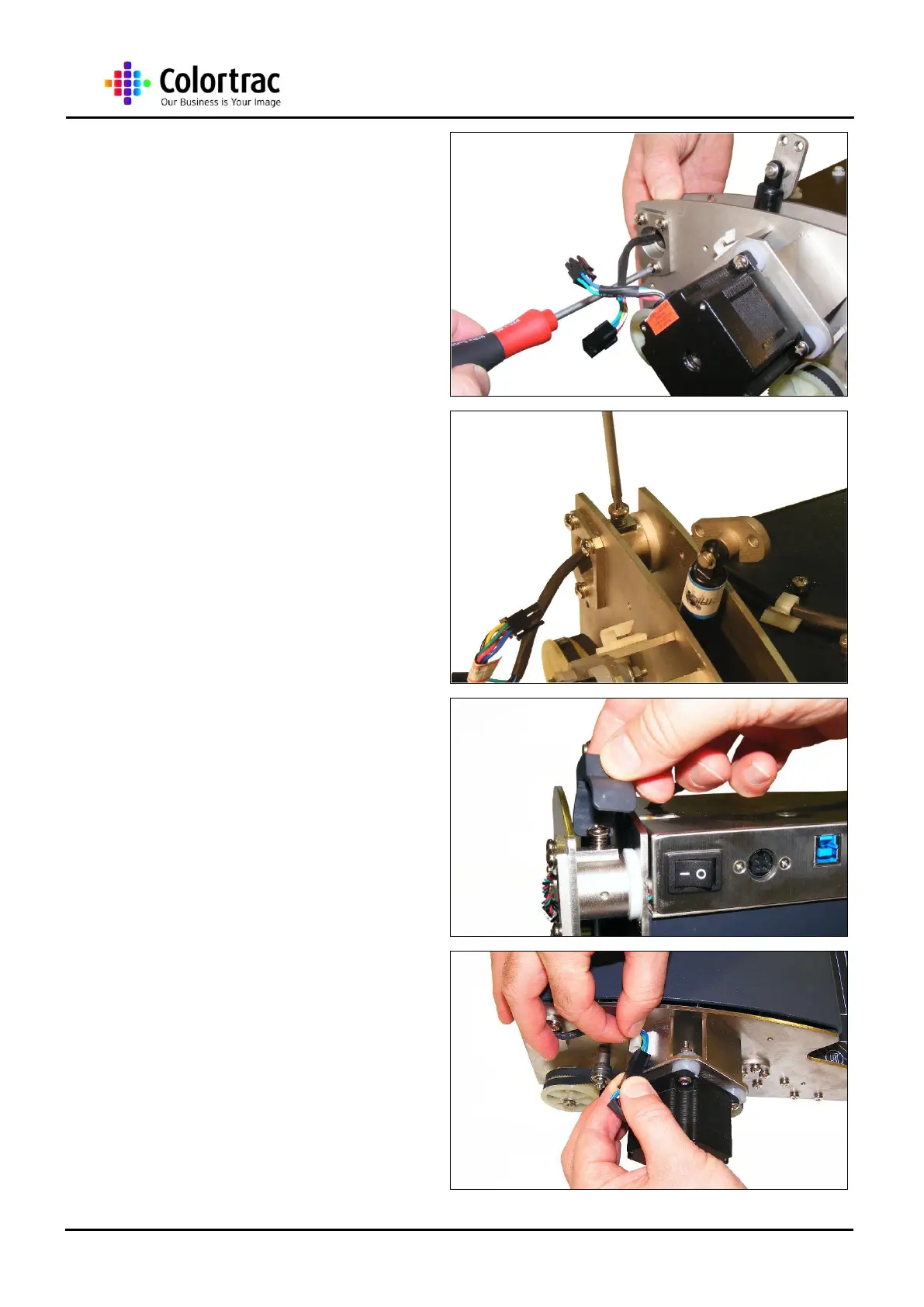
21. Move the Hinge Bracket at
either end to the reference
line previously marked, and
tighten the 3 x M5 screws
22. Replace the 2 Maintenance
Position Locking Screws and
springs, turning the screws
until they touch the Inner
Hinge Bracket.
23. Make sure the plastic screw
cover is the correct way
round and click back into
place. Back-off each screw
slightly.
24. Re-connect both the Motor
Control Cable and the
Microswitch cable and secure
them in their relative cable
clips.













 To Next Page