UT-4500 Series C- and Ku-Band Up Converters MN/UT4500.IOM
Ethernet Interface Operation Revision 3
7–7
7.4 HTTP (Web Server) Interface
A user-supplied web browser allows the full monitoring and control (M&C) of the
UT-4500 from its HTTP Interface. This non-secure embedded web application is
designed for, and works best with, Microsoft Internet Explorer Version 5.5 or
higher.
7.4.1 HTTP Interface User Login
1) You must use UT-4500 Front Panel operation to select “Ethernet”
as your mode of operation prior to login. Failure to configure the
unit accordingly will cause the Login dialogue box to return you
to a blank web page.
2) You must retrieve the assigned Management IP Address from the
UT-4500 Front Panel menu:
(SELECT:) CONFIG
Remote
Ethernet
Address
See Chapter 6. FRONT PANEL OPERATION for further details. You
may also need to consult with your network administrator to
determine the appropriate Management IP address assignment
for your converter.
Do these steps:
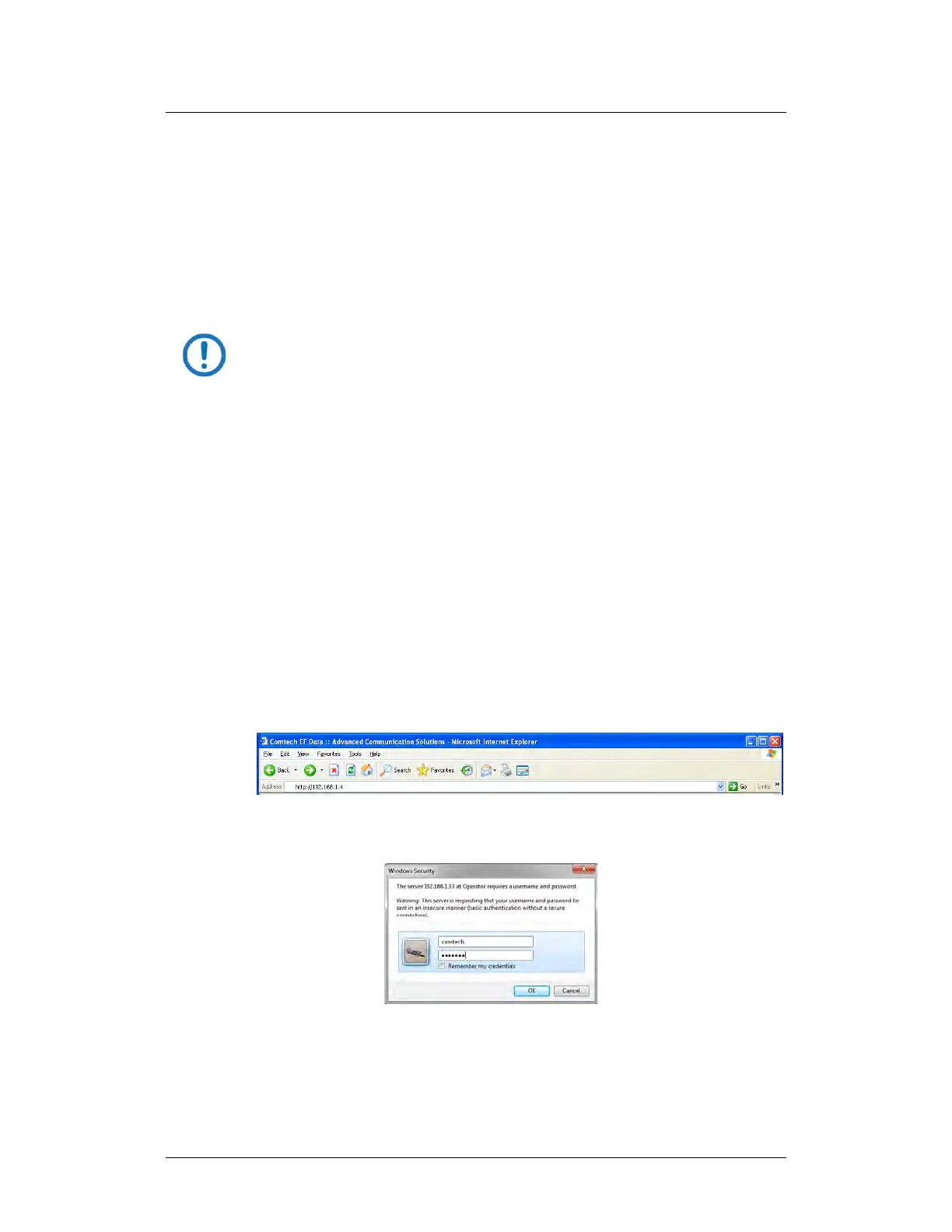
1. From the PC, enter the default Management IP Address for the unit (e.g.,
http://192.168.1.4) into the Address area of the browser.
2. In the Login window, type the User name and Password, and then click
OK.



 To Next Page