UT-4500 Series C- and Ku-Band Up Converters MN/UT4500.IOM
Ethernet Interface Operation Revision 3
7–20
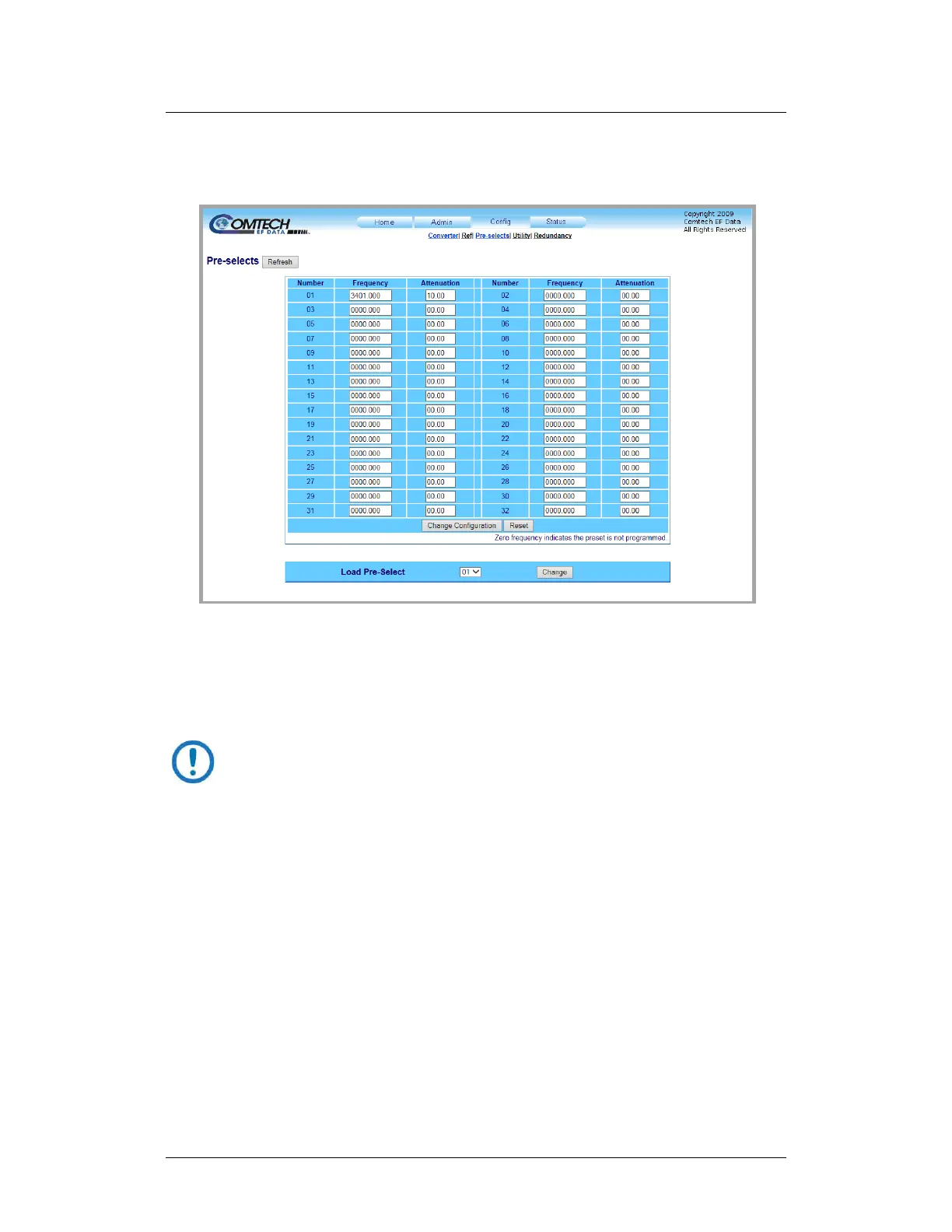
7.5.3.3 Config | Pre-selects
Use this page to manage the converter operational pre-selects.
Figure 7-13. ‘Config | Pre-selects’ Page
Pre-Selects
You may create (program) up to 32 operating configurations, and load (recall)
them as needed.
Prior to the creation of any pre-selects, the Frequency and Attenuation
columns are populated with null values.
To program any pre-select (Numbers 01 through 32), enter an operating RF
frequency, in MHz, in 125 kHz steps (1 kHz steps optional), and an attenuation
level from 00.00 to 20.00 dB in 0.25 dB steps (0.1 dB steps optional). Click
[Change Configuration] to save (program) the pre-select for future loading
(selection).
Load Pre-Select
Use the drop-down list to load (select) a previously defined pre-select from
memory. Click [Change].



 To Next Page