EasyManua.ls Logo

Coolmay C600S - Page 114

Coolmay C600S
118 pages
Print Icon
To Next Page IconTo Next Page
To Previous Page IconTo Previous Page
Loading...
Chapter 10 Alarm processing method
108
check
error
are all 0.
into the encoder.
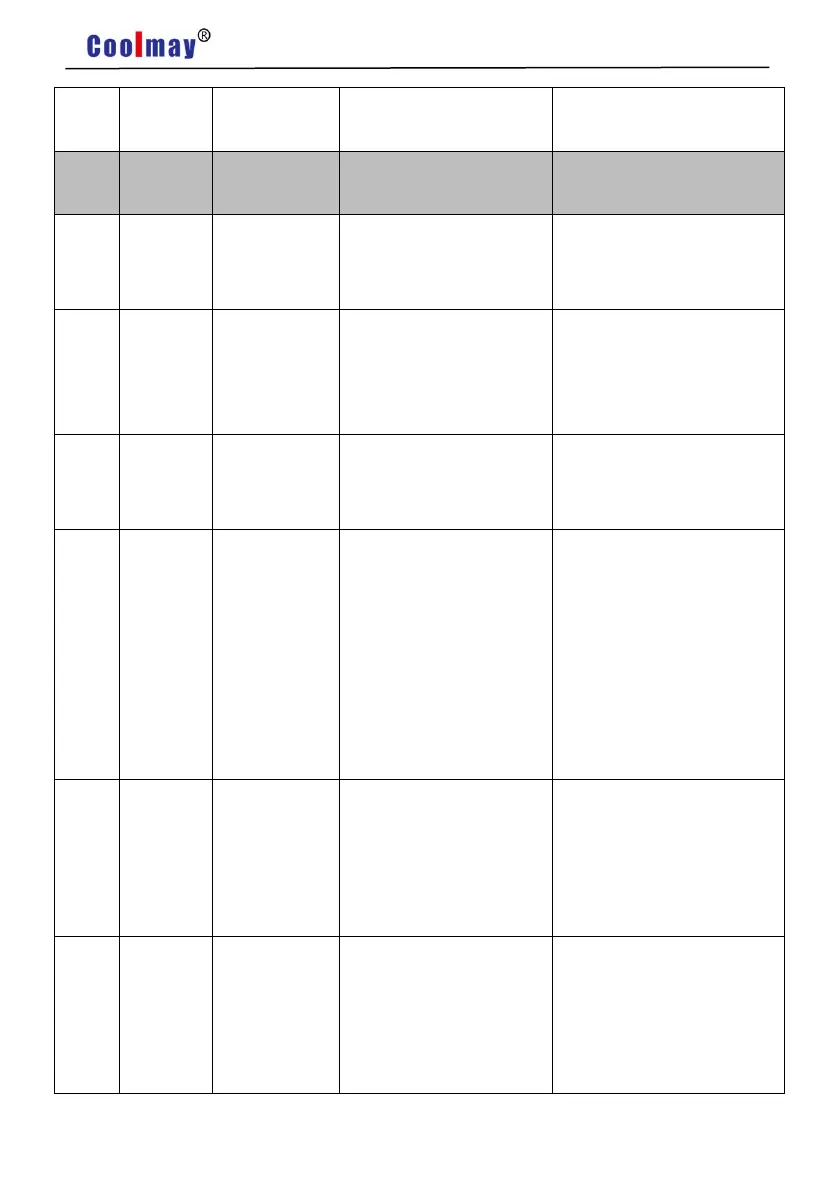
No.
Alarm
name
Running
state
Reason
Processing method
40
Model
not
supported
The drive does not
support this motor model.
Use a matching motor.
41
Need to
switch
motor
model
The current motor is
inconsistent with the
selected model of the
drive.
Manually switch the model to
the current model.
42
AC input
voltage
too low
Operation
during power
failure
1. Normal.
2. The external AC
voltage input is too low.
Check AC220V input.
47
The
voltage
of the
main
circuit is
too high
during
power on
1. External AC voltage
input is too high.
2. Main circuit fault.
1. Check AC220V input.
2. Replace the drive.
50
Encoder
commu
nication
failure
No communication
connection between
the driver and the
encoder is
established.
Connect the encoder
cable and power on
again.
51
Encoder
communi
cation
abnormal
ity
After the encoder
communication is
established, it is
interrupted and
disconnected.
Connect the encoder cable
and power on again.

Table of Contents

Related product manuals